

Los problemas de los televisores LG suelen dividirse en cinco grupos: control remoto, recuperación sin mando, conectividad Wi-Fi y de aplicaciones, AirPlay o transmisión, y síntomas de hardware como la ausencia de señal o los fallos de alimentación. Este centro está diseñado para ayudarte a identificar primero el grupo correcto, aplicar la solución segura más rápida y, después, abrir la guía detallada que corresponda exactamente al síntoma.
En los televisores LG, la distinción más importante es determinar si el problema está en el mando, la red, la ruta de entrada o el propio televisor. Esta separación importa porque un fallo del LG Magic Remote, un problema de webOS o AirPlay y un televisor que no enciende no deben seguir el mismo proceso de diagnóstico.
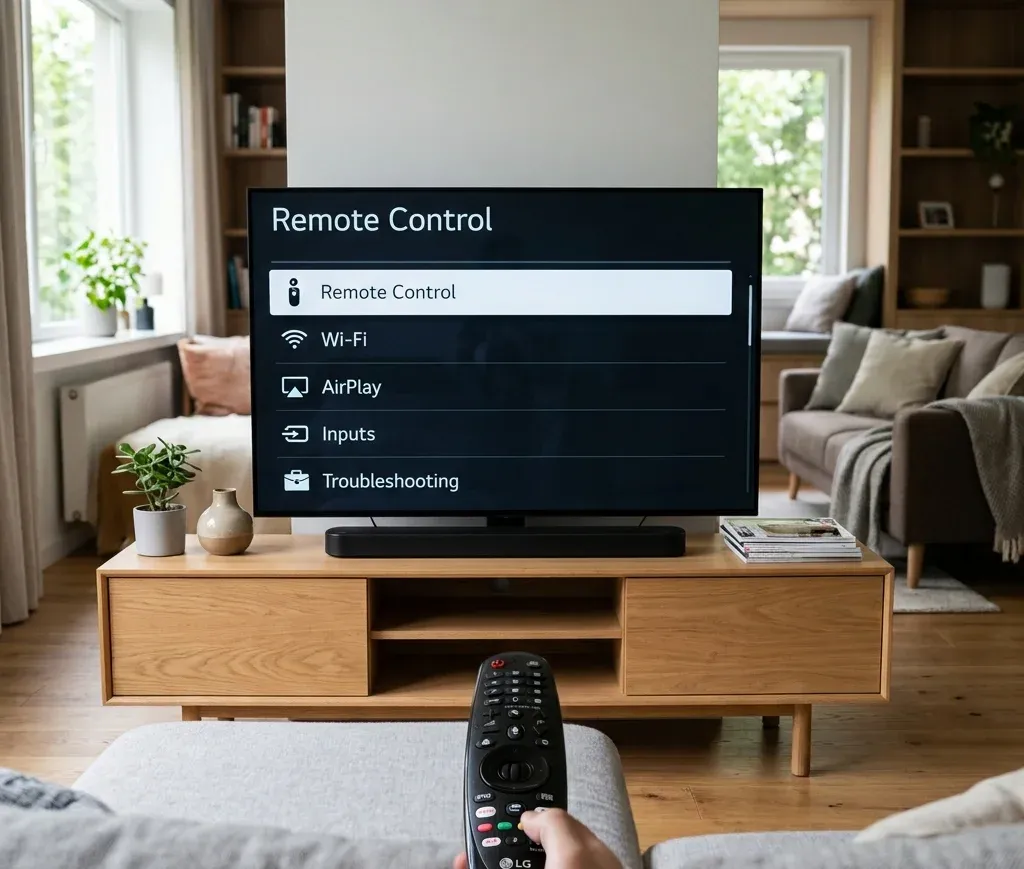
Respuesta rápida: ¿qué tipo de problema tiene tu TV LG?
Usa esta tabla antes de cambiar ajustes al azar:
| Situación | Primer paso recomendado | Siguiente página que debes abrir |
|---|---|---|
| El mando del TV LG no responde | Cambia las pilas y comprueba si el problema es de emparejamiento, puntero o control por infrarrojos | [El mando del TV LG no funciona](https://www.boostvision.tv/blog/lg-tv-remote-not-working) |
| El puntero del Magic Remote no aparece o es inestable | Vuelve a registrar el Magic Remote antes de comprar otro | [El puntero del LG Magic Remote no funciona](https://www.boostvision.tv/blog/lg-magic-remote-pointer-not-working) |
| No tienes mando y necesitas usar el televisor | Empieza con el botón del TV, la ruta de entrada o una aplicación alternativa | [Encender un TV LG sin mando](https://www.boostvision.tv/blog/turn-on-lg-tv-without-remote) |
| El TV LG está sin conexión | Distingue entre un fallo al conectarse al Wi-Fi y la función Wi-Fi desactivada | [El TV LG no se conecta al Wi-Fi](https://www.boostvision.tv/blog/lg-tv-not-connecting-to-wifi) |
| El iPhone no se conecta al TV LG | Comprueba la compatibilidad con AirPlay, sus ajustes y que ambos equipos estén en la misma red | [AirPlay en TV LG](https://www.boostvision.tv/blog/airplay-lg-tv) |
| El TV LG indica que no hay señal o la pantalla sigue negra | Confirma la fuente de entrada y la conexión HDMI antes de restablecerlo | [TV LG sin señal](https://www.boostvision.tv/blog/lg-tv-no-signal) |
Tareas de ayuda más comunes para TV LG
La mayoría de los usuarios que llegan a este centro intentan resolver una de estas tareas:
Empieza por identificar la ruta de control de LG
Solucionar problemas de LG resulta mucho más fácil cuando sabes qué ruta de control está fallando:
Por eso, una búsqueda como el mando del TV LG no funciona puede describir problemas reales muy distintos.
Si el televisor todavía responde al botón de encendido pero no a la navegación, el problema puede limitarse al mando. Si el televisor no aparece en la aplicación del teléfono, resuelve primero el Wi-Fi. Si la pantalla indica que no hay entrada o no muestra imagen, revisa la conexión HDMI o el hardware antes de intentar recuperar el mando.
Ayuda para el mando y el Magic Remote
Si el mando del TV LG no funciona
Usa El mando del TV LG no funciona cuando:
Esta es la intención principal relacionada con el mando de LG y debe seguir siendo el destino central de este grupo desde el hub.
Si el verdadero problema es el puntero del Magic Remote
Los usuarios de LG suelen buscar un problema del mando cuando el fallo real solo afecta al cursor, la rueda o el control por movimiento. Se trata de un modo de fallo diferente y merece una ruta más precisa.
Usa El puntero del LG Magic Remote no funciona cuando:
Si el mando sigue siendo poco fiable tras volver a registrarlo, continúa con cómo restablecer el mando del TV LG o compara opciones en reemplazo del mando del TV LG.
Si necesitas un mando de reemplazo o una aplicación alternativa
Cuando el mando original se pierde, sufre daños físicos o funciona de forma irregular, las rutas más rápidas son:
Estas páginas son más útiles que una guía de restablecimiento cuando la intención real es simplemente recuperar el control.


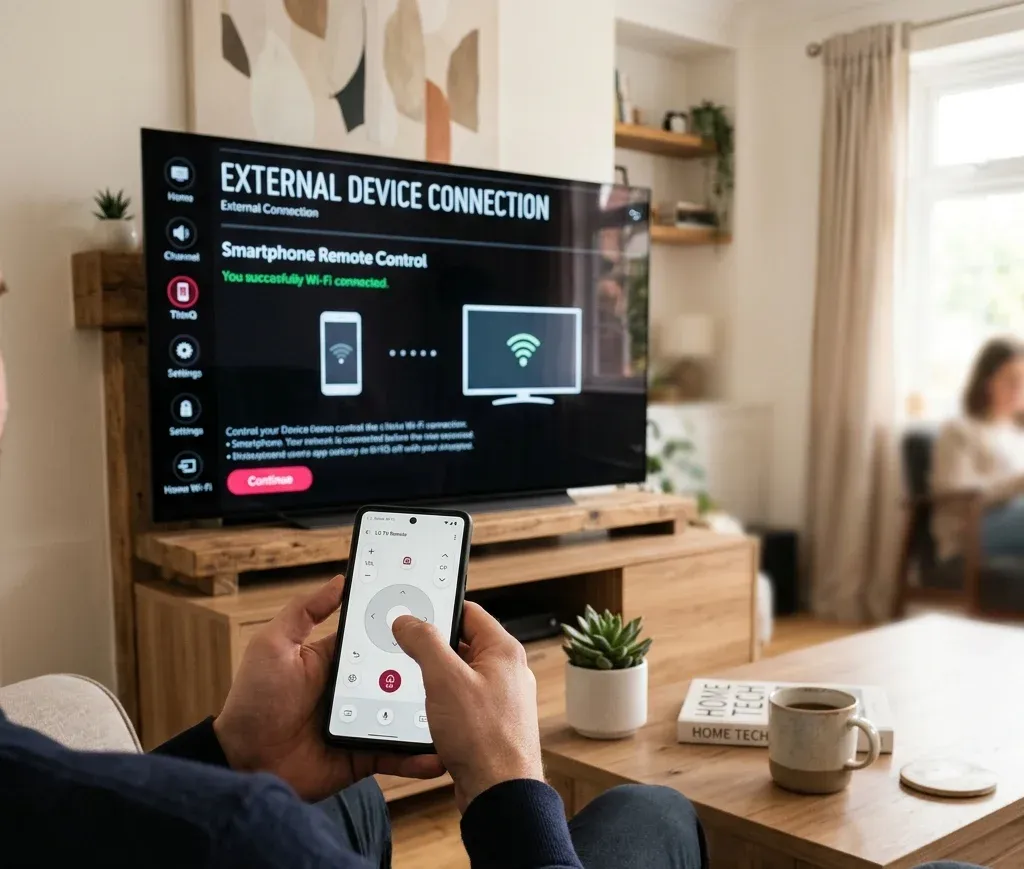
Recuperación sin mando: encendido, entrada y ajustes
LG cuenta con un importante grupo de búsquedas sobre el uso sin mando, por lo que este centro debe dirigir claramente esas tareas en lugar de ocultarlas.
Si necesitas encender el TV LG sin mando
Usa Encender un TV LG sin mando cuando:
Este es el destino correcto para quienes todavía no intentan reparar todo el televisor. Solo necesitan acceder a él.
Si el verdadero obstáculo es cambiar la entrada
Muchos usuarios creen que el televisor está averiado cuando simplemente se encuentra en la fuente equivocada. Si el objetivo es acceder a HDMI, una consola o un dispositivo de streaming, ve directamente a cambiar la entrada del TV LG sin mando.
Usa esa página cuando:
Si necesitas acceder a los menús o ajustes sin mando
Cuando necesitas específicamente los Ajustes, no solo el encendido o la entrada, la ruta más precisa es menú de ajustes del TV LG sin mando.
Si el problema más amplio consiste en controlar el televisor cuando también está sin conexión, consulta usar un TV LG sin mando ni Wi-Fi.
Ayuda con Wi-Fi y conectividad
Los problemas de red en televisores LG suelen dividirse en tres intenciones: el televisor no puede conectarse al Wi-Fi, la conexión se interrumpe repetidamente o el televisor indica que el Wi-Fi está desactivado.
Si el TV LG no se conecta al Wi-Fi
Usa El TV LG no se conecta al Wi-Fi cuando:
Este es uno de los grupos de problemas de LG más importantes tanto para las búsquedas como para la utilidad del usuario, por lo que merece una posición destacada en el centro.
Si la conexión se interrumpe continuamente
Si el televisor se conecta al Wi-Fi pero vuelve a desconectarse, la ruta más adecuada es El TV LG se desconecta continuamente del Wi-Fi. Esa página es más específica que una guía general sobre ausencia de red y responde mejor a la intención de una conexión inestable.
Si LG indica que el Wi-Fi está desactivado
Este es un síntoma más concreto, pero frecuente en LG. Usa:
Estas páginas son los destinos correctos cuando puedes acceder a los menús, pero la opción inalámbrica aparece desactivada, ausente o atenuada.
AirPlay, iPhone y transmisión en un TV LG
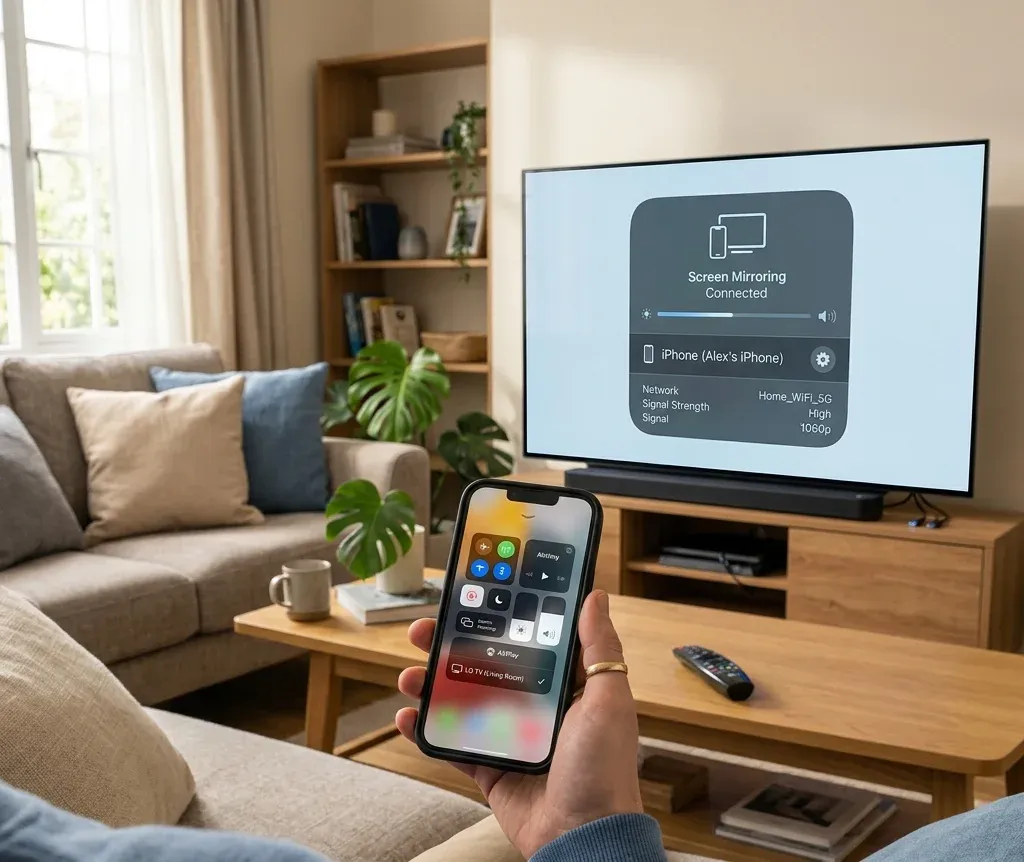
Los centros de ayuda de LG no deben limitarse a solucionar problemas del mando, porque la demanda de búsqueda también incluye la conexión del iPhone al televisor, AirPlay y las tareas de compartir pantalla.
Si quieres usar AirPlay en un TV LG
Usa AirPlay en TV LG cuando la intención sea la configuración o la compatibilidad:
La disponibilidad de AirPlay y las etiquetas de los menús pueden variar según el modelo y la versión de webOS, por lo que la regla más segura es verificar la compatibilidad en el televisor concreto antes de asumir que la opción debe existir.
Si AirPlay ya está activado, pero sigue fallando
Usa AirPlay no funciona en el TV LG cuando:
Si en realidad buscas una ruta más amplia del teléfono al televisor
No todos los problemas de conexión con un TV LG deben resolverse únicamente con AirPlay. Estas páginas más específicas encajan mejor cuando cambia la intención:
Esta ruta de enlaces resulta natural porque separa la duplicación de Apple, la función general de compartir pantalla y la transmisión desde aplicaciones, en lugar de forzar a todos los usuarios a usar el mismo protocolo.
Problemas de entrada, ausencia de señal y encendido
Algunos síntomas de LG no están relacionados con los mandos ni el Wi-Fi. Son problemas de la ruta de la fuente o del hardware.
Si el TV LG indica que no hay señal
Usa TV LG sin señal cuando:
Por lo general, esto debe comprobarse antes de restablecer el televisor a los valores de fábrica.
Si el problema es el propio botón de entrada del mando, la ruta más específica es botón de entrada del mando LG.
Si el TV LG no enciende
Usa El TV LG no enciende cuando:
Esta intención es diferente de la ausencia de señal y debe mantenerse separada en el centro.
Otras páginas útiles de recuperación para LG
Algunas intenciones relacionadas con LG no son lo bastante amplias como para encabezar el centro, pero siguen siendo enlaces de apoyo naturales:
Estos enlaces aparecen más adelante en el centro porque resuelven problemas más específicos una vez que la ruta principal de diagnóstico está clara.
Páginas útiles de TV LG por tarea
Abre estas páginas según lo que intentes hacer exactamente:
Orden recomendado para solucionar problemas de LG
Si quieres seguir un único proceso claro para LG, usa este orden:
1. Decide si el problema está en el mando, la red, la entrada, AirPlay o la alimentación.
2. Recupera el control básico antes de iniciar un diagnóstico más profundo.
3. Repara el Wi-Fi antes de esperar que funcionen el control por teléfono o AirPlay.
4. Corrige los problemas de fuente y HDMI antes de restablecer el televisor.
5. Recurre al restablecimiento o al reemplazo solo después de que falle la guía del síntoma concreto.
Conclusión
El mejor centro de ayuda para TV LG no trata todos los problemas como si fueran un fallo genérico que exige restablecer el equipo. La mayoría de los usuarios necesita una de varias rutas claras: recuperar el mando, usar el televisor sin mando, volver a conectar el Wi-Fi, conectar un iPhone o AirPlay, o resolver problemas de señal y alimentación. Este centro debe identificar esas intenciones desde el principio y dirigir al usuario de forma natural a la página adecuada del grupo LG.
Preguntas frecuentes del centro de ayuda para TV LG
P: ¿Cuál es la forma más rápida de usar un TV LG cuando no tengo el mando?
Empieza con el botón del televisor para encenderlo y, después, consulta encender un TV LG sin mando o cambiar la entrada del TV LG sin mando, según lo que esté bloqueado.
P: ¿Por qué el mando de mi TV LG funciona parcialmente, pero el puntero ha desaparecido?
Normalmente indica un problema de registro o del propio puntero del Magic Remote, no que todo el mando esté averiado. Consulta El puntero del LG Magic Remote no funciona.
P: ¿Debo restablecer mi TV LG si AirPlay o el control mediante aplicación no funcionan?
No como primer paso. Confirma que el televisor está en la misma red, verifica que el modelo admite la función y usa la guía específica de AirPlay o Wi-Fi de LG antes de realizar un restablecimiento completo.

 May 12, 2026