

Roku problems usually fall into five buckets: remote pairing, network access, phone app discovery, Bluetooth or audio limits, and screen output issues like no signal. This hub is designed to help you identify the exact Roku problem fast, apply the first safe fix, and then open the right deeper guide only if you still need it.
If you only remember one rule, use the shortest path first: fix power and pairing before resetting, fix network before app control, and confirm your Roku model supports the feature before assuming a menu is missing.
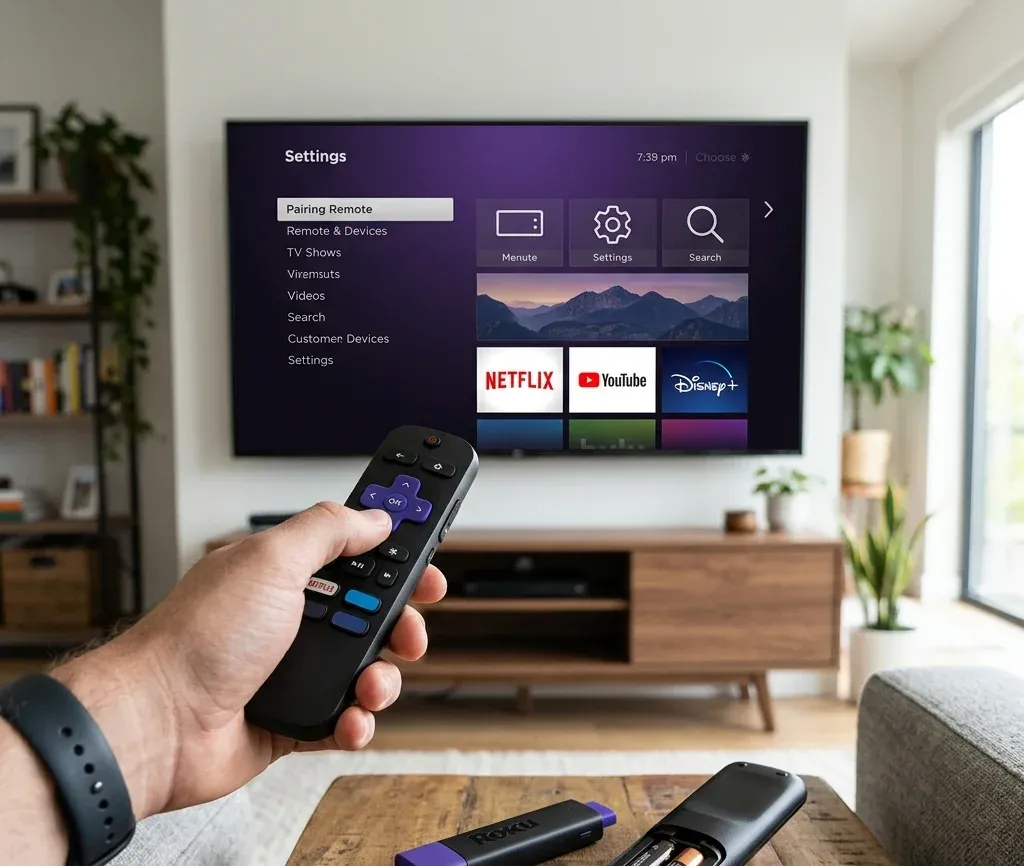
Quick answer: what kind of Roku problem do you have?
Use this decision table before opening random settings:
| Situation | Best first move | Next page to open |
|---|---|---|
| Roku remote will not respond | Replace batteries and re-pair the remote | [Roku remote not pairing](https://www.boostvision.tv/blog/roku-remote-not-pairing) |
| Phone app cannot find the Roku | Confirm phone and Roku are on the same network | [How to connect Roku remote app to TV](https://www.boostvision.tv/blog/how-to-connect-roku-remote-app-to-tv) |
| Roku is offline and you have no remote | Restore Wi-Fi or get the device online first | [Connect Roku to Wi-Fi without remote](https://www.boostvision.tv/blog/connect-roku-to-wifi-without-remote) |
| You want Bluetooth headphones | Check whether your model supports direct Bluetooth or app-based listening | [Does Roku have Bluetooth](https://www.boostvision.tv/blog/does-roku-have-bluetooth) |
| AirPlay or casting is failing | Confirm the TV and phone are on the same Wi-Fi and the feature is enabled | [How to AirPlay on Roku](https://www.boostvision.tv/blog/how-to-airplay-on-roku) |
| TV shows no signal from Roku | Check the input, power, and HDMI path before resetting | [Roku stopped working no signal](https://www.boostvision.tv/blog/roku-stopped-working-no-signal) |
Most common Roku help tasks
Most Roku users are looking for one of these exact tasks:
Start with the Roku hardware basics
Before deeper troubleshooting, separate the device types:
That distinction matters because a missing pairing menu, a Bluetooth option, or a power button behavior can differ between a Roku TV and a Roku streaming stick.
If you are unsure which remote you have, the fastest clue is whether it needs line-of-sight. A Roku Simple Remote behaves more like a classic IR remote, while a Voice Remote depends on wireless pairing and may lead you to guides such as Roku remote pairing button or how to program a Roku remote to the TV.
Remote and pairing help
Remote issues are one of the biggest Roku traffic clusters and should be the first section most users see.
If the Roku remote is not pairing
Start with the low-risk checks:
1. Insert a fresh matched pair of batteries.
2. Move within a few feet of the Roku device or TV.
3. Restart the Roku.
4. Put the remote back into pairing mode.
If the remote still does not pair, use the full symptom split in Roku remote not pairing.
If the batteries are fresh but the remote still disconnects, also check whether you are dealing with a Roku low power problem on the streaming device, because unstable power can look like a pairing failure.
If you are pairing a Roku remote to a Roku Stick
Many users specifically need stick setup help, especially when moving a remote from one device to another or dealing with a remote that lacks a visible pairing button. That intent should stay as a dedicated cluster page, but this hub should route people there clearly.
Use How to pair Roku remote to Roku Stick when:
If you need a phone-based fallback remote
When the physical remote is missing or unstable, the fastest recovery path is often a phone app. Use How to connect Roku remote app to TV or How to set up Roku remote on phone if:
If the phone app cannot find the device at all, treat it as a network discovery problem rather than a remote problem.


Wi-Fi and app discovery
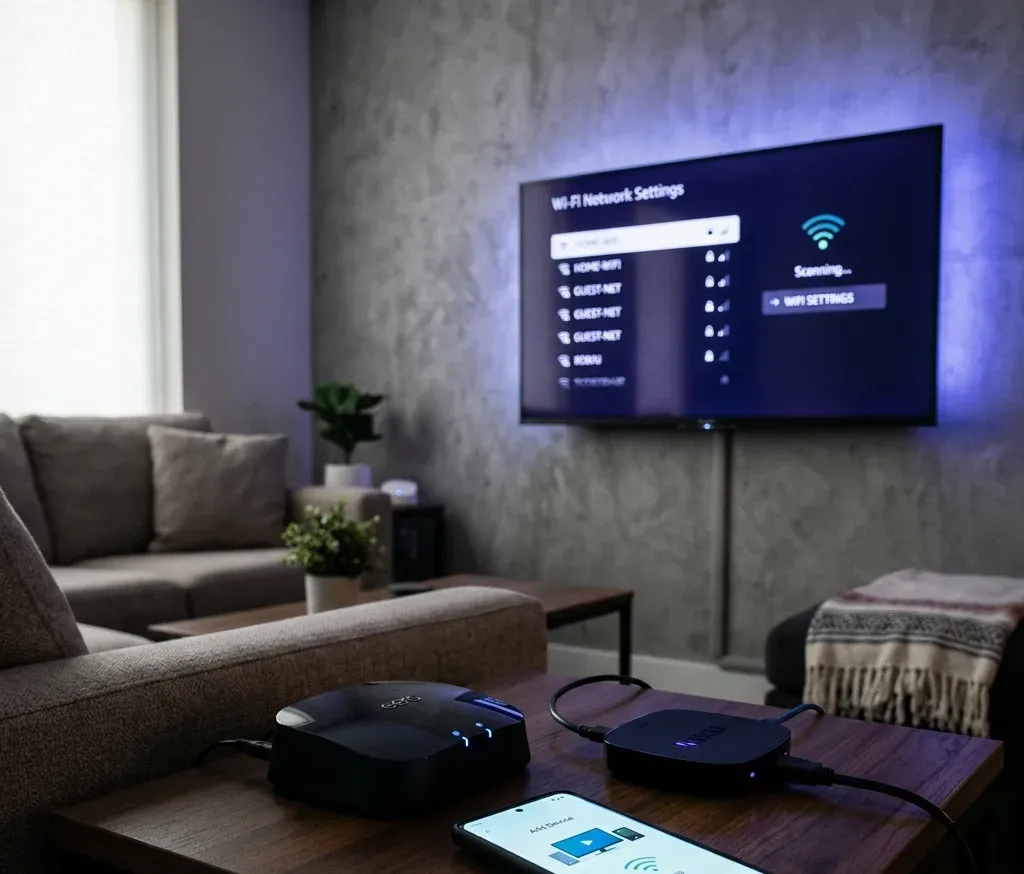
The second major Roku support cluster is network recovery. Without network access, the Roku app, AirPlay, private listening, software updates, and some setup flows all break down.
If the Roku is not on Wi-Fi
Start here when:
The best recovery paths are covered in Connect Roku to Wi-Fi without remote and Find Roku IP address without remote.
If the Roku still sees networks but refuses to join them, the more precise intent is usually Roku TV not connecting to Wi-Fi, not general remote recovery.
If the Roku app cannot connect
Check these conditions in order:
Then jump to:
This is also the section users need when they search for Roku remote app not working, Roku app not connecting to TV, or phone remote cannot find Roku.
Bluetooth and headphone help
This is a strong Roku-specific SEO cluster because users often search for Bluetooth support before they know how Roku handles audio accessories.
Does Roku have Bluetooth?
The short answer is: some Roku setups support Bluetooth audio directly, while others rely on app-based private listening or model-specific features. That is why users often believe Bluetooth is missing when the menu only appears on certain devices or software paths.
Use Does Roku have Bluetooth to determine:
How to connect Bluetooth headphones to Roku
When the user intent is practical rather than conceptual, route to Connect Bluetooth headphones to Roku TV with and without app.
This page is the better destination when the user is asking:
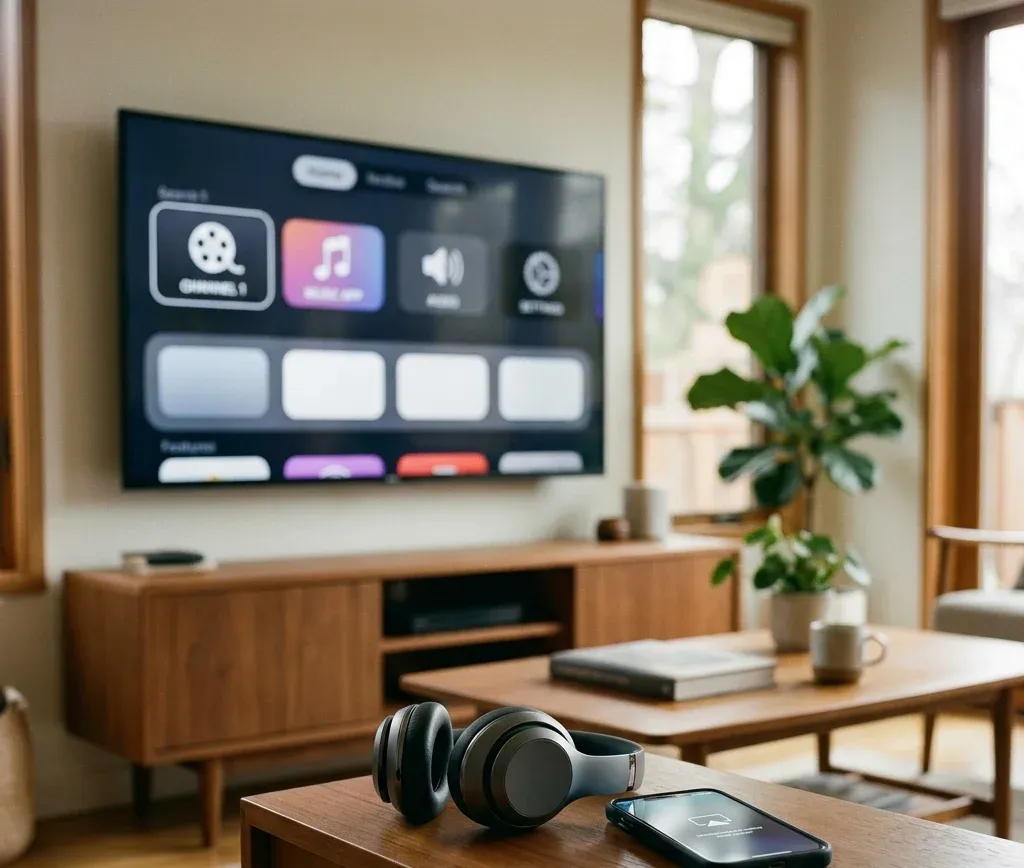
AirPlay and casting on Roku
Roku also acts as an endpoint for iPhone and cross-device viewing tasks, so this hub should not stop at remote troubleshooting.
Use these pages for Apple and casting flows
Use these when:
Screen output and control problems
Some Roku issues are not about pairing or Wi-Fi at all. They are output or HDMI-path problems.
If the Roku shows no signal
When the TV reports no signal, start with:
1. Confirm the TV is on the correct HDMI input.
2. Reseat the Roku or HDMI cable.
3. Check the Roku power source.
4. Reboot the Roku and TV.
Then use Roku stopped working no signal for the full recovery path.
If the Roku itself is fine but the TV is on the wrong source, go straight to how to change input on Roku TV.
If the Roku remote should control TV power
This usually belongs to equipment control, HDMI-CEC behavior, or TV-control programming. Send users to How to turn TV on and off with Roku remote when:
Useful Roku pages by task
Open these pages based on the exact thing you are trying to do:
When should you reset Roku?
Resetting should not be the first recommendation. Do it only after:
If the symptom is narrow, a cluster article usually solves the problem faster than a full factory reset.
Bottom line
The best Roku troubleshooting order is simple: identify whether the problem is remote, network, Bluetooth, casting, or display output, then use the matching path above. This hub should act as the Roku ecosystem entry point for the site, while the cluster pages handle the exact long-tail task.
Roku Help Hub FAQ
Q: What is the fastest way to troubleshoot a Roku remote?
Replace the batteries, move closer to the Roku, reboot the device, and try pairing again. If the remote still fails, use the dedicated Roku remote not pairing guide.
Q: Why can't the Roku app find my TV?
The phone and Roku are often on different networks, guest isolation is enabled, or the Roku is offline. Start with Wi-Fi recovery and then retry app discovery.
Q: Can every Roku connect to Bluetooth headphones?
No. Support varies by Roku model and by whether you are using direct Bluetooth pairing or app-based listening. Check Does Roku have Bluetooth first.