
A blinking red light on a Hisense TV should be checked against the documentation for the exact model. Hisense TVs use different platforms and hardware, so this article does not assign a component failure to a blink count without model-specific documentation.
Record the symptom first
Before changing settings, collect:
This information makes the official manual or support response more useful. Do not use a blink-code table written for a different model.
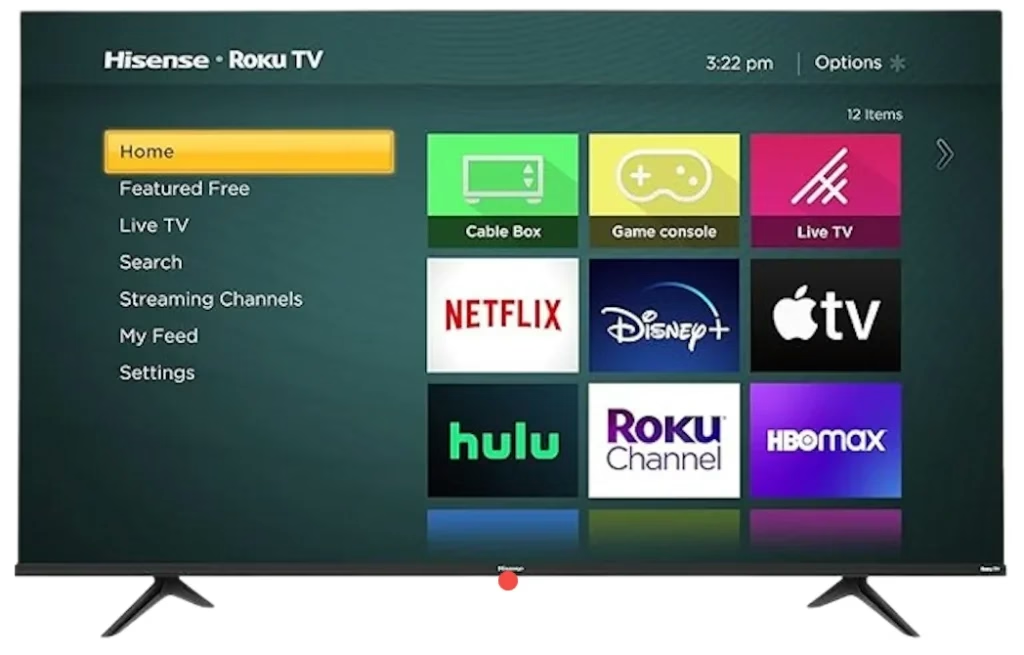
Example only: the light location and behavior vary by model. Do not infer a component fault from this image or from a generic blink count.
Safe checks when the TV will not turn on
1. Check the power cord and outlet
Confirm the power cord is fully connected to the TV and an active AC outlet. Test the outlet with another device if necessary.
2. Disconnect and restore power
A Hisense TV model manual gives this external check when the TV will not turn on: unplug it from the AC outlet, wait 60 seconds, reconnect it, and try the power button again. If the exact model's manual gives different instructions, follow that manual.
3. Try the TV's physical power button
Use the power button on the television rather than relying only on the remote. If the TV works from its own button, follow the exact model's remote-control troubleshooting instructions.
4. Stop if an update is visibly in progress
Hisense documentation warns that software updates take time and should not be interrupted. If the screen explicitly shows an update, allow it to complete. Do not start an update procedure on a TV that cannot display menus; use the model support page instead.
Do not infer a failed internal part from the blink count
A blinking light is a symptom, not enough evidence to name a power board, main board, backlight or other component. Assigning an internal fault requires documentation for the exact model or a qualified diagnosis.
Do not open the TV. Internal repair is outside normal user troubleshooting and may expose hazardous electrical components.
Use factory reset only with model-specific instructions
The cited Hisense model manual states that a factory reset removes account information and downloaded apps. Because reset methods differ by platform and model, use only the manual or Hisense support instructions for the exact TV. A factory reset is not an appropriate first response to an unexplained blinking light.
Find the correct Hisense manual or support
Use the Hisense support page to search by model number. Provide the model, serial number, exact blink pattern and the results of the outlet, 60-second power disconnect and physical-button checks.
When service is the next step
Contact Hisense or an authorized service provider if the TV still does not start after the documented external power checks, if the same blinking pattern returns, or if Hisense's instructions for the exact model direct you to service. Do not continue repeated restart attempts or replace internal parts based only on a generic blink count.
Hisense TV Blinking Red Light FAQ
Q: Can a generic Hisense blink count identify the failed component?
Do not assign a component fault from a table written for another model. Record the exact pattern and model number, then use the manual or Hisense support information for that model.
Q: What can I safely check before contacting Hisense?
Check that the power cord is secure and the outlet is active, then try the TV's physical power button. A cited Hisense model manual also instructs users to disconnect power for 60 seconds when that model will not turn on; follow the exact model's manual if its instructions differ.
Q: Should I factory-reset a Hisense TV because its red light is blinking?
Not as a first step. Reset methods differ by model and platform, and a factory reset removes account information and downloaded apps. Use only the instructions for the exact TV.
Q: What information should I give Hisense support?
Provide the complete model and serial number, the exact light pattern and pause, whether the screen or sound appears, whether the physical power button responds, and the external power checks already completed.
 Mar 23, 2026