
Are you wondering, "Why does Apple TV app keep freezing?" You're not alone. Many users experience similar issues when trying to enjoy streaming on various devices, including smart TVs. This frustrating problem can disrupt your viewing experience, but fortunately, there are several ways to address it. In this article, we'll explore the common causes of Apple TV app freezing and provide step-by-step solutions.
Common Causes of Apple TV App Freezing
Why does apple TV keep freezing on smart TV? The common reasons as follows.
How to Solve Apple TV App Freezing
Here are some solutions for Apple TV apps keeping freezing, and each of them is related to the causes above.
Refresh Your Internet Connection
Restart your modem and router to refresh your internet connection. This can help eliminate issues with connectivity that might be causing the app to freeze.
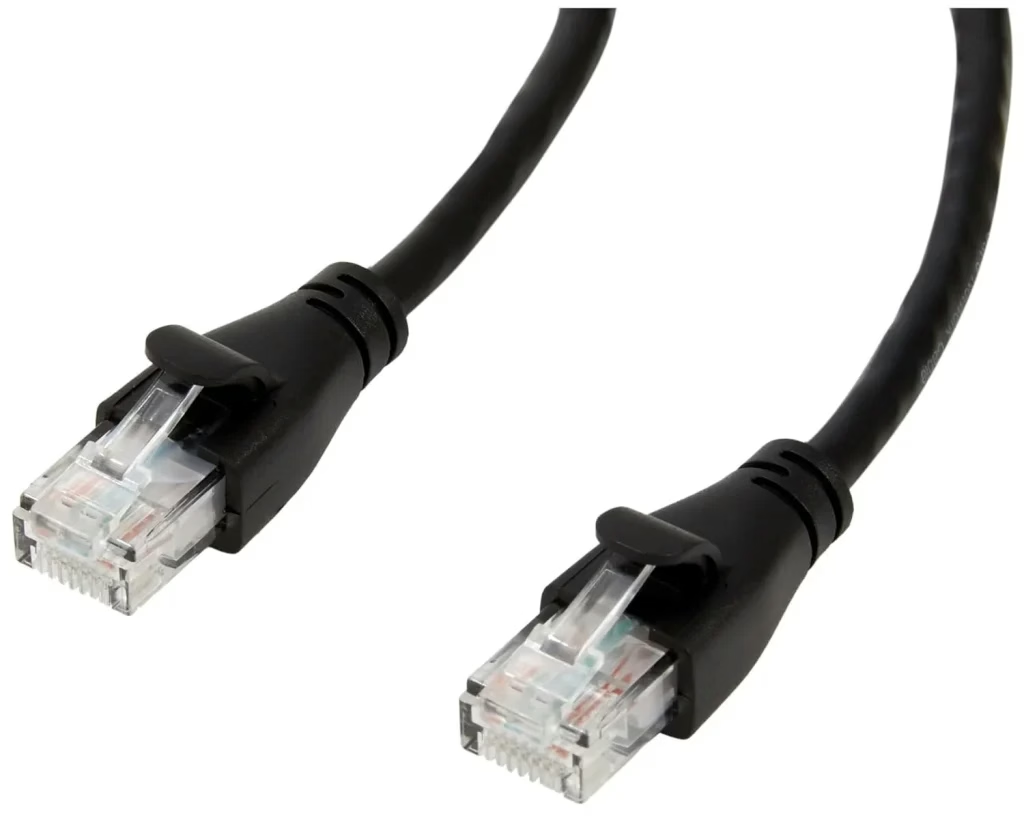
If possible, use a wired connection to improve internet stability and speed, which is vital for streaming content without interruptions. All you need is to plug an RJ45 cable between your TV and the router, then your TV is ready to use the wired internet connection and guarantee a more stable network.
Update Your App
Ensure that both your Apple TV app and your device's firmware are up to date. Developers frequently release updates to fix bugs and improve performance.
Shut Down Unnecessary Apps
Shut down other apps running in the background to free up your device’s resources. This can prevent the Apple TV app from freezing due to resource allocation issues.
Increase Storage Space
Free up storage on your device by deleting unused apps and files. This provides more space for the Apple TV app to operate smoothly.
Solutions Without a Remote
If your Apple TV remote is lost or your Apple TV remote isn't working, you can still control your TV with your smartphone as a remote. Here, BoostVision's Universal TV Remote App comes into play. This app allows you to control a wide range of TVs and streaming devices directly from your phone, bypassing the need for multiple physical remotes.



Conclusion
Freezing issues with the Apple TV app can be a nuisance, but they are often solvable with a few troubleshooting steps. By ensuring your app and device are updated, managing your device's resources, and optimizing your internet connection, you can enjoy smoother streaming. With these tips, you should be able to resolve the question of "why does my Apple TV app keep freezing" and get back to enjoying your favorite shows and movies uninterrupted.
Why Does Apple TV App Keep Freezing FAQ
Q: Why is my Apple TV keep freezing?
The reasons why Apple TV keeps freezing are varied.
Q: How do you fix a frozen Apple TV?
You can try the following methods to fix a frozen Apple TV.

 May 12, 2026