
Vizio TV-Probleme gruppieren sich meist in fünf praktische Absichten: Fernbedienungssteuerung, Zugriff ohne Fernbedienung, WLAN-Wiederherstellung, AirPlay oder Bildschirmspiegelung sowie Strom- oder Startfehler. Dieses Hilfezentrum soll Nutzer vom Raten abhalten. Es hilft ihnen, zuerst das Symptom einzuordnen, die kürzeste sichere Lösung zu versuchen und dann in den einen spezifischen Vizio-Artikel zu wechseln, der am besten zum Problem passt.
Bei Vizio ist die wichtigste Unterscheidung, ob das Problem zur Fernbedienung, zu SmartCast und Netzwerkzugriff, zum Eingangspfad oder zum Stromzustand des TVs gehört. Wenn diese Trennung früh stimmt, wird der nächste Schritt deutlich klarer.
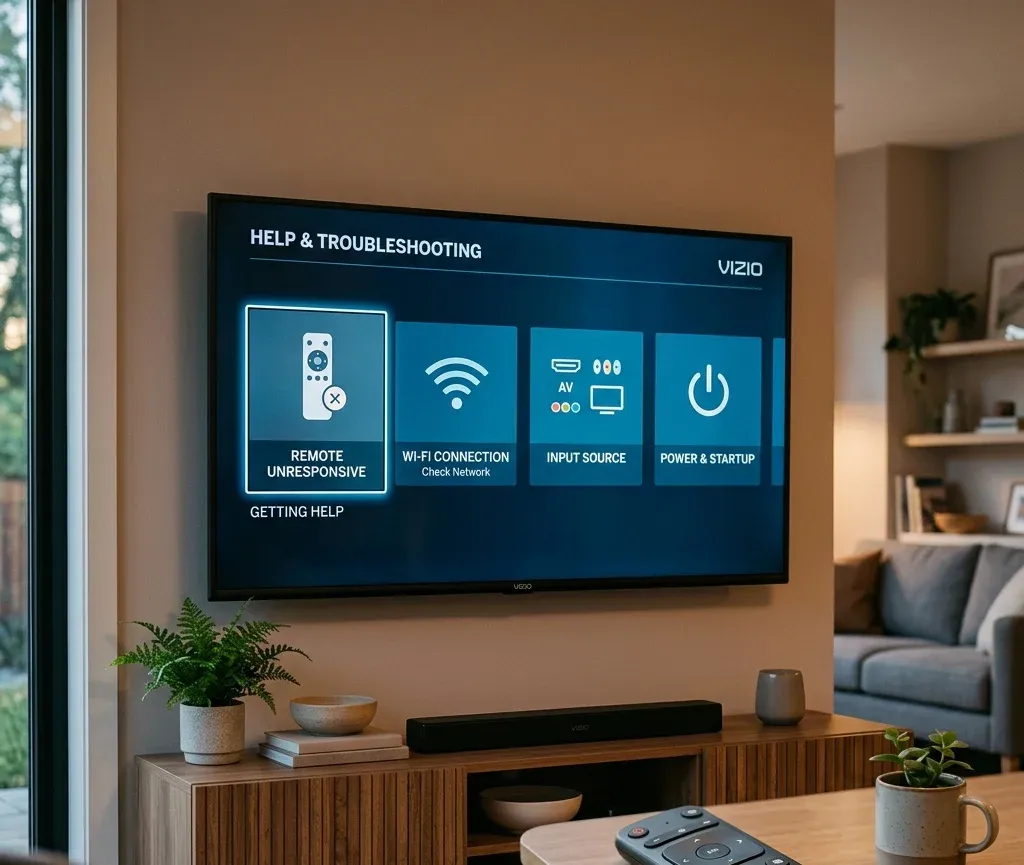
Schnelle Antwort: welche Art von Vizio-Problem haben Sie?
Beginnen Sie hier, bevor Sie zufällig Menüs öffnen:
| Situation | Bester erster Schritt | Nächste zu öffnende Seite |
|---|---|---|
| Vizio-Fernbedienung funktioniert nicht | Zuerst Batterien, IR-Pfad und Kopplungsbedarf prüfen | [Vizio-Fernbedienung funktioniert nicht](https://www.boostvision.tv/blog/vizio-remote-not-working) |
| Fernbedienung ist verloren und der TV ist offline | Grundsteuerung vor App-basierter Steuerung wiederherstellen | [Vizio TV ohne Fernbedienung oder WLAN steuern](https://www.boostvision.tv/blog/control-vizio-tv-without-remote-or-wifi) |
| Sie müssen WLAN ohne Fernbedienung neu verbinden | Zuerst physische Bedienelemente oder alternative Eingabemethoden nutzen | [Vizio TV ohne Fernbedienung mit WLAN verbinden](https://www.boostvision.tv/blog/connect-vizio-tv-to-wifi-without-remote) |
| iPhone oder AirPlay schlägt fehl | Prüfen, ob AirPlay aktiviert ist und beide Geräte dasselbe Netzwerk nutzen | [Vizio AirPlay funktioniert nicht](https://www.boostvision.tv/blog/vizio-airplay-not-working) |
| Der TV ist an, aber die falsche Quelle ist ausgewählt | Eingangspfad statt den ganzen TV beheben | [Eingang auf Vizio TV ohne Fernbedienung wechseln](https://www.boostvision.tv/blog/how-to-change-input-on-vizio-tv-without-remote) |
| Vizio TV lässt sich nicht einschalten | Verhalten der Betriebsleuchte vor einem Reset prüfen | [Vizio TV lässt sich nicht einschalten, Betriebsleuchte erlischt](https://www.boostvision.tv/blog/vizio-tv-wont-turn-on-power-light-fades-off) |
Häufigste Vizio TV-Hilfeaufgaben
Die meisten Vizio-Nutzer, die auf einem Hilfezentrum ankommen, versuchen eines dieser Dinge:
Mit der Trennung des Vizio-Steuerungspfads beginnen
Vizio-Support wird einfacher, wenn Sie wissen, welcher Pfad blockiert ist:
Deshalb braucht ein Nutzer, der sagt: Meine Vizio-Fernbedienung funktioniert nicht, möglicherweise eigentlich WLAN-Wiederherstellung, Eingangsumstellung oder einen Ersatzfernbedienungspfad statt eines generischen Resets.
Hilfe zu Fernbedienung, Kopplung und Steuerung
Wenn die Vizio-Fernbedienung nicht funktioniert
Nutzen Sie Vizio-Fernbedienung funktioniert nicht, wenn:
Dies ist die stärkste allgemeine Vizio-Fernbedienungsabsicht und sollte weit oben im Hilfezentrum bleiben.
Wenn nur Lautstärke- oder TV-Steuerungstasten ausfallen
Wenn Navigation funktioniert, aber Audiosteuerung nicht, ist Vizio-Fernbedienung Lautstärke funktioniert nicht der bessere Weg. Diese Absicht ist enger und nützlicher, als den Nutzer erneut eine allgemeine Fernbedienungsseite lesen zu lassen.
Wenn Sie eine Vizio-Fernbedienung mit dem TV koppeln müssen
Nutzen Sie Vizio-Fernbedienung mit TV koppeln, wenn:
Wenn die Originalfernbedienung komplett fehlt, ist Verlorene Vizio-Fernbedienung der natürlichere Pfad.
Wenn die Menütaste oder das physische Fernbedienungslayout das Problem ist
Manchmal brauchen Nutzer keinen vollständigen Reparaturablauf. Sie finden nur eine benötigte Taste oder einen Befehl nicht. In diesem Fall ist Menütaste auf Vizio-Fernbedienung das bessere Ziel.


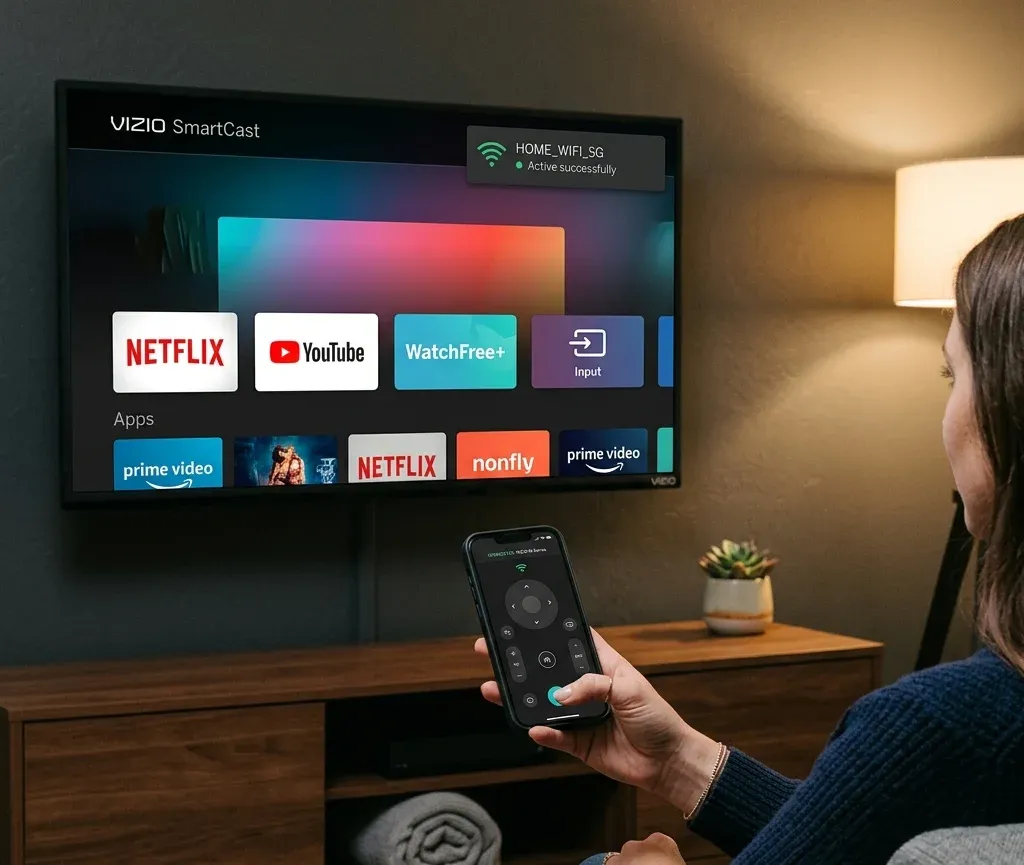
Zugriff ohne Fernbedienung und Ersatzsteuerung
Vizio hat einen starken Problemcluster ohne Fernbedienung, besonders wenn Nutzer zusätzlich WLAN verlieren oder der falsche Eingang die Einrichtung blockiert.
Wenn Sie den Vizio TV ohne Fernbedienung einschalten müssen
Nutzen Sie Vizio TV ohne Fernbedienung einschalten, wenn:
Wenn Sie nicht sicher sind, wo die Taste ist, gehen Sie zu Position der Vizio TV-Ein/Aus-Taste.
Wenn Sie breitere Steuerung ohne Fernbedienung und ohne WLAN brauchen
Nutzen Sie Vizio TV ohne Fernbedienung oder WLAN steuern, wenn:
Dies ist ein starker Hilfezentrum-Link, weil er einen echten Blockerzustand statt eines einzelnen engen Symptoms behandelt.
Wenn das eigentliche Problem der Eingangswechsel ist
Wenn der TV eingeschaltet ist, aber auf der falschen Quelle festhängt, leiten Sie direkt zu Eingang auf Vizio TV ohne Fernbedienung wechseln.
Diese Seite passt besser, wenn:
WLAN- und SmartCast-Zugriff
Bei Vizio ist WLAN-Wiederherstellung oft wichtig, weil SmartCast, AirPlay und Smartphone-Steuerung alle davon abhängen, dass der TV im Netzwerk erreichbar ist.
Wenn Sie Vizio TV ohne Fernbedienung mit WLAN verbinden müssen
Nutzen Sie Vizio TV ohne Fernbedienung mit WLAN verbinden, wenn:
Wenn Sie den TV im Netzwerk identifizieren müssen
Wenn der Nutzer bereits Zugriff auf Router-Ebene behebt, ist Vizio TV-IP-Adresse ohne Fernbedienung finden das genauere Ziel.
Wenn der TV weiterhin keine Verbindung herstellt
Nutzen Sie Vizio TV verbindet sich nicht mit WLAN, wenn:
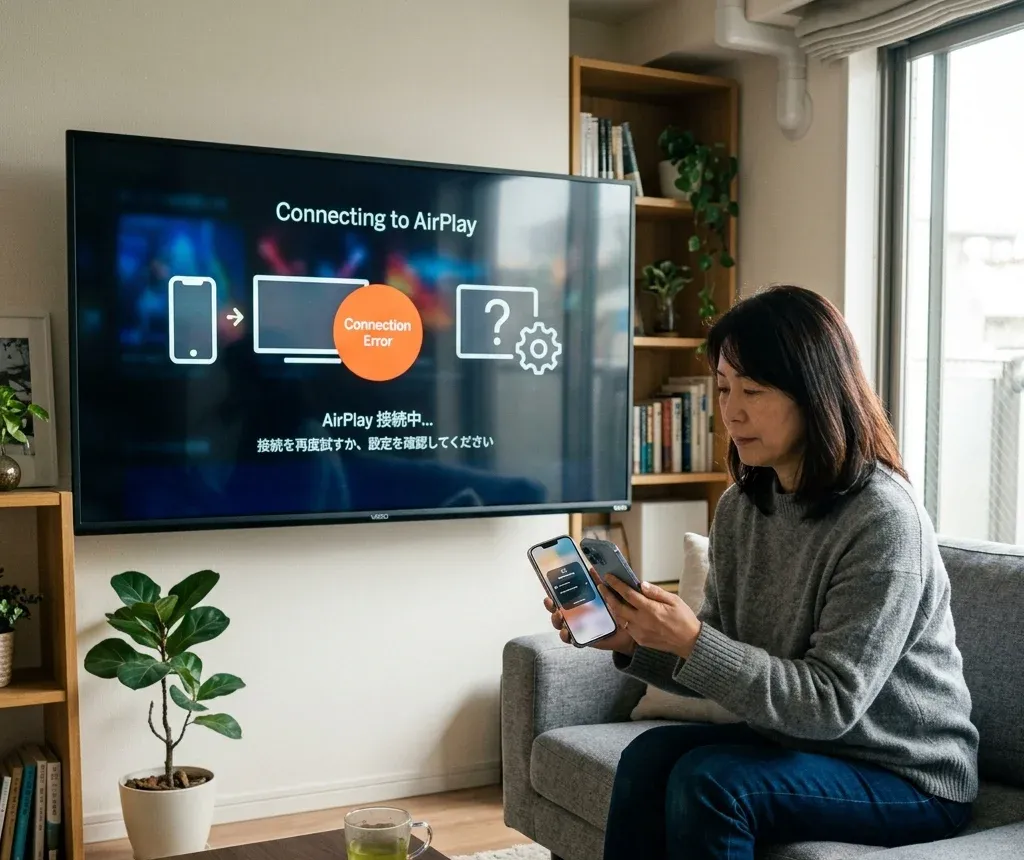
AirPlay, iPhone und Bildschirmspiegelung auf Vizio
Vizio-Hilfezentren sollten auch SmartCast- und iPhone-Verbindungsabsicht erfassen, weil viele Nutzer nach Streaming- oder Casting-Hilfe suchen, nicht nur nach Reparaturhilfe.
Wenn Sie AirPlay auf Vizio TV aktivieren müssen
Nutzen Sie AirPlay auf Vizio TV einschalten, wenn der Nutzer den Einrichtungspfad selbst braucht:
Wenn AirPlay aktiviert ist, aber nicht funktioniert
Nutzen Sie Vizio AirPlay funktioniert nicht, wenn:
Wenn der Nutzer eigentlich einen breiteren Smartphone-zu-TV-Pfad will
Nicht jedes iPhone-zu-Vizio-Problem passt am besten zu einer AirPlay-Fehlerbehebungsseite. Diese Links sind natürlicher, wenn sich die Absicht ändert:
So bleibt das Hilfezentrum nützlich, weil er Einrichtung, Spiegelung und Fehlerbehebung trennt, statt alles in einen vagen AirPlay-Abschnitt zu legen.
Neustart, Reset und Stromprobleme
Einige Vizio-Nutzer haben gar keine Fernbedienungs- oder Netzwerkprobleme. Sie brauchen Gerätewiederherstellung.
Wenn der TV einen Neustart- oder Reset-Pfad braucht
Nutzen Sie:
Diese gehören später in das Hilfezentrum, weil Reset nicht die erste Antwort auf ein einfaches Fernbedienungs- oder AirPlay-Problem sein sollte.
Wenn der Vizio TV sich nicht einschalten lässt
Nutzen Sie Vizio TV lässt sich nicht einschalten, Betriebsleuchte erlischt, wenn:
Dies ist eine andere Absicht als Eingangs- oder Fernbedienungsfehler und sollte im Hilfezentrum klar getrennt bleiben.
Nützliche Vizio-Seiten nach Aufgabe
Öffnen Sie diese Seiten je nach genauer Aufgabe:
Empfohlene Vizio-Fehlerbehebungsreihenfolge
Nutzen Sie diese Reihenfolge, um unnötige Resets zu reduzieren:
1. Entscheiden, ob das Problem Fernbedienung, WLAN, SmartCast oder AirPlay, Eingang oder Strom betrifft.
2. Grundsteuerung wiederherstellen, bevor Sie sich auf App-basierte Steuerung verlassen.
3. WLAN wiederherstellen, bevor Sie erwarten, dass Smartphone-Fernbedienung oder AirPlay funktionieren.
4. Eingangspfad beheben, bevor Sie annehmen, dass der TV defekt ist.
5. Neustart oder Reset nur nutzen, wenn der engere Symptomablauf fehlschlägt.
Fazit
Das beste Vizio-Hilfezentrum ist keine generische Fehlerbehebungsseite. Die meisten Nutzer brauchen einen von wenigen direkten Wegen: Fernbedienung reparieren, TV ohne Fernbedienung nutzen, WLAN neu verbinden, AirPlay aktivieren oder reparieren, Eingang wechseln oder einen TV wiederherstellen, der nicht startet. Dieses Hilfezentrum sollte diese echten Absichten früh erfassen und Nutzer natürlich zu den stärksten Vizio-Cluster-Seiten verteilen.
Vizio TV Hilfezentrum FAQ
F: Was ist der schnellste Weg, einen Vizio TV zu nutzen, wenn die Fernbedienung verloren ist?
Beginnen Sie mit der physischen Taste oder Vizio TV ohne Fernbedienung einschalten. Wenn der TV auch offline ist, wechseln Sie direkt zu Vizio TV ohne Fernbedienung oder WLAN steuern.
F: Warum findet meine Vizio App oder AirPlay den TV nicht?
Meist liegt es daran, dass der TV offline ist, in einem anderen Netzwerk ist oder die Funktion noch nicht aktiviert wurde. Beheben Sie zuerst WLAN und nutzen Sie danach die Vizio-spezifische AirPlay-Seite.
F: Sollte ich Vizio TV wegen eines einfachen Fernbedienungsproblems zurücksetzen?
Nicht zuerst. Testen Sie Batterien, Kopplung, physische Bedienelemente und die genaue Fernbedienungs-Symptomseite vor einem vollständigen Reset.