
If you are searching for "what is StreamEast", "is StreamEast safe and legal", or "how to use StreamEast", you can find what you care about here. This educational post focuses on StreamEast and covers many common StreamEast-related questions, such as watching StreamEast on TVs or streaming devices (e.g., Roku Stick or FireStick), in addition to safe and legal StreamEast alternatives. Scroll down to reveal the StreamEast secrets.
Legal Disclaimer:* This tutorial is purely educational. BoostVision doesn't own, host, operate, resell, or distribute any StreamEast-related apps.*
What Is StreamEast?
StreamEast is an online sports streaming platform with a variety of sports content, including soccer, boxing, motor racing, basketball, baseball, American football, and hockey. The site is known for offering a free, easy-to-access option for watching live sports, particularly for fans who want to catch games without needing a traditional cable or satellite subscription.
StreamEas's attractiveness include:
Is StreamEast Safe?
Using free streaming services like StreamEast comes with several potential safety risks that you should be aware of. One major concern is the platform's frequent use of pop-up ads and redirects, which can expose you to malicious content. Clicking on these ads may inadvertently lead to the download of malware, ransomware, or other harmful software that can compromise your device's security and data.
Additionally, data privacy is a significant issue with StreamEast. The platform's lack of transparency regarding its ownership and terms of service raises red flags about how user data is handled. It's plausible that the service collects personal information, which could include browsing habits, IP addresses, and other identifiable data. Such information could then be sold to third parties, including advertisers or even cybercriminals, without your knowledge or consent.
Is StreamEast Legal?
The legality of StreamEast is a complicated matter, largely because it operates in a legal gray area. The platform provides access to copyrighted content, such as live sports events, movies, or shows, without obtaining proper authorization from the rights holders. In many regions, accessing or distributing copyrighted material without permission is considered copyright infringement, which could lead to civil or even criminal penalties.
While the risks to end-users vary depending on the country's copyright laws, using unauthorized streaming platforms could expose you to legal action. In some cases, even viewing pirated content might be considered unlawful. Governments and internet service providers (ISPs) in certain countries actively monitor and restrict access to such sites, which could result in warnings, fines, or other consequences.
Does StreamEast Have an App?
Is there an official StreamEast app? When searching for the StreamEast app in Google Play, there is no match. What is available is Livestream, DOFU, ESPN, etc. However, we found a matched result on the App Store: Streameast, which Shyopha Stentz developed. The app seems to be specially designed for handball enthusiasts, and other sports are unavailable.
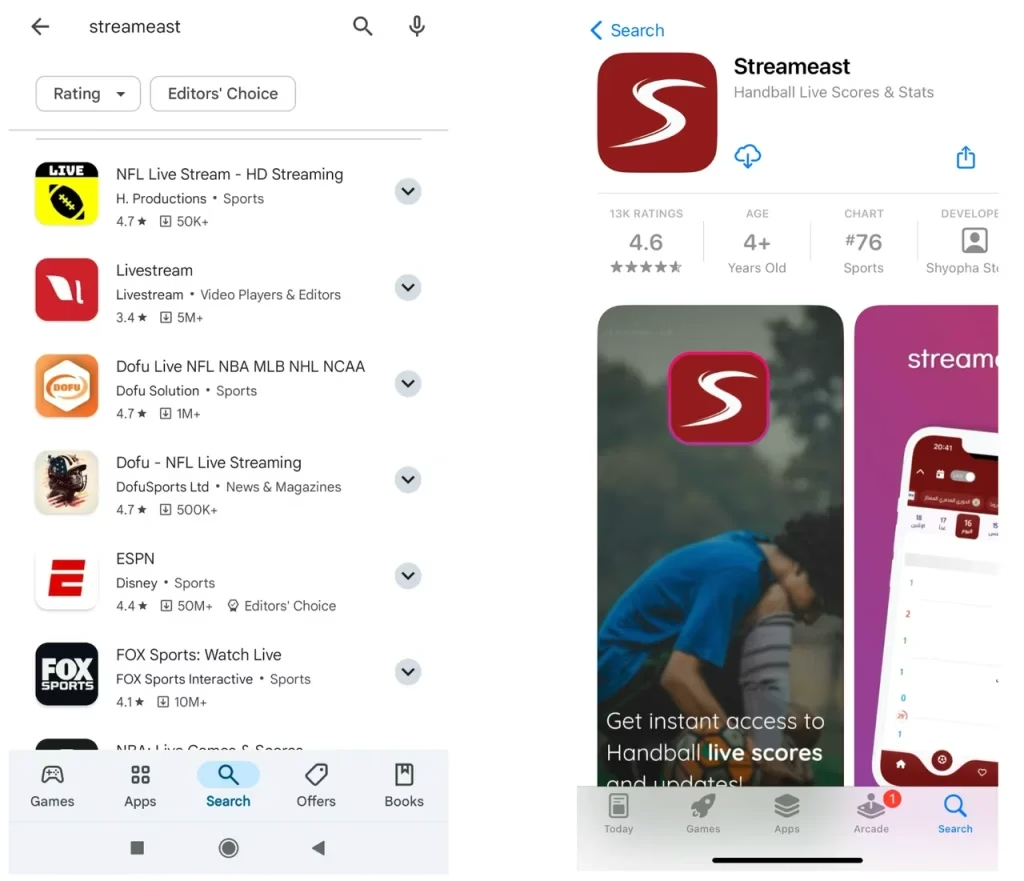
As of now, no official StreamEast app download is available on popular app stores like Google Play. StreamEast is primarily an online streaming service for sports events, and users typically access it through its website via a browser. So, be cautious when using third-party apps or websites claiming to be associated with StreamEast.
How to Get StreamEast on TV?
If you want to watch StreamEast on your big TV screen, you can do so with a few steps. This section contains the step-by-step tutorial on watching StreamEast on FireStick, Roku, and other devices. However, while using StreamEast on your device, be as careful as you can.
Legal Disclaimer:* This tutorial is purely educational. BoostVision doesn't own, host, operate, resell, or distribute any StreamEast-related apps.*
Get StreamEast on FireStick
How to download StreamEast on FireStick? Watching StreamEast on your FireStick is straightforward without a StreamEast app download. StreamEast is a third-party browser-based service, and therefore, you don't need to jailbreak your FireStick and sideload it as an app and can use it directly through the Amazon Slik browser.
See how to watch on StreamEast on Firestick:
Tip: You can try BoostVision's solution: Fire TV Stick Remote app to navigate through your TV screen if the original one isn't working.
Step 1. On your FireStick, locate the internet app (which is the Amazon Silk browser) from your app list and launch it.
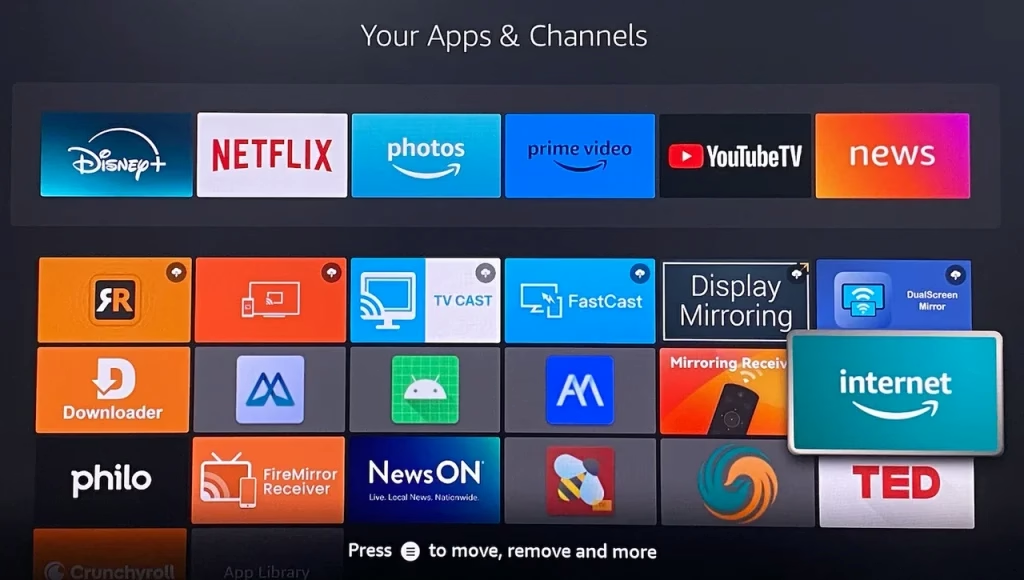
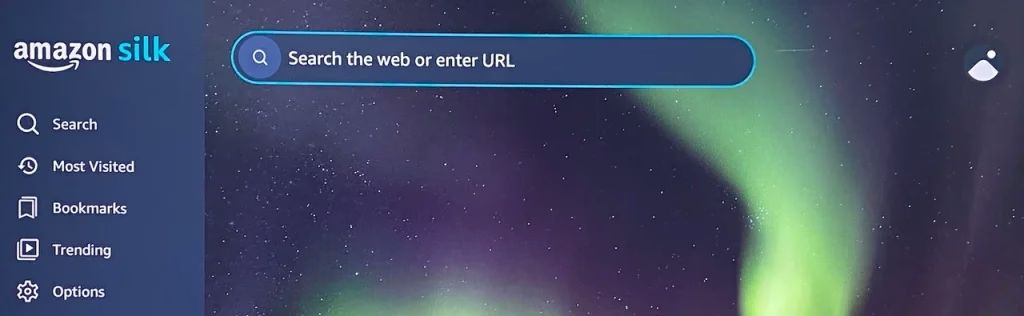
Step 2. Inside the browser, tap the.streameast.app into the URL bar and hit Go.
Note: The original website of StreamEast was streameast.live, but it's not available now. The functional website of StreamEast is the.streameast.app.
Step 3. Now you can watch StreamEast on your FireStick.
Get StreamEast on Roku
Unlike FireStick, there is no internet browser app on Roku. How to watch web-based streaming services on Roku? Don't worry, you can access it on your mobile device and screen mirror it to Roku or other streaming devices. You can do so with the third-party app named Screen Mirroring & Casting app from BoostVision.
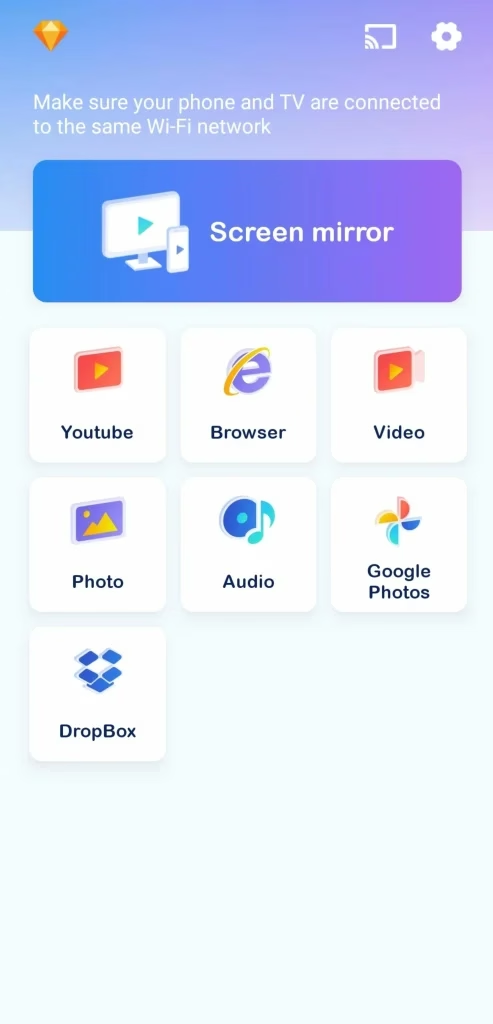



To screen mirror on Roku with the app, you just need to ensure that your mobile device and Roku have the same WiFi network connection. Then, perform the steps below.
Step 1. Launch the app on your mobile device and tap the cast icon in the top right corner.
Step 2. Tap your Roku device in the device list. Then app will attempt to connect it to the device you selected. Once done, you'll be redirected to the app homepage.
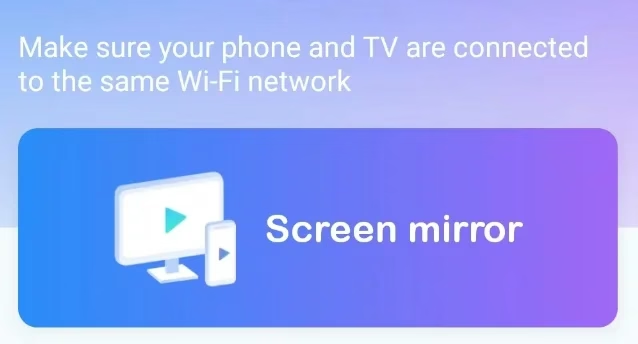
Step 3. Tap the Screen mirror section on the homepage and follow the on-screen instructions to start broadcasting.
Step 4. Go to a browser on your mobile device where you need to go to the StreamEast website. Then, play what you want to watch and watch it on your TV screen.
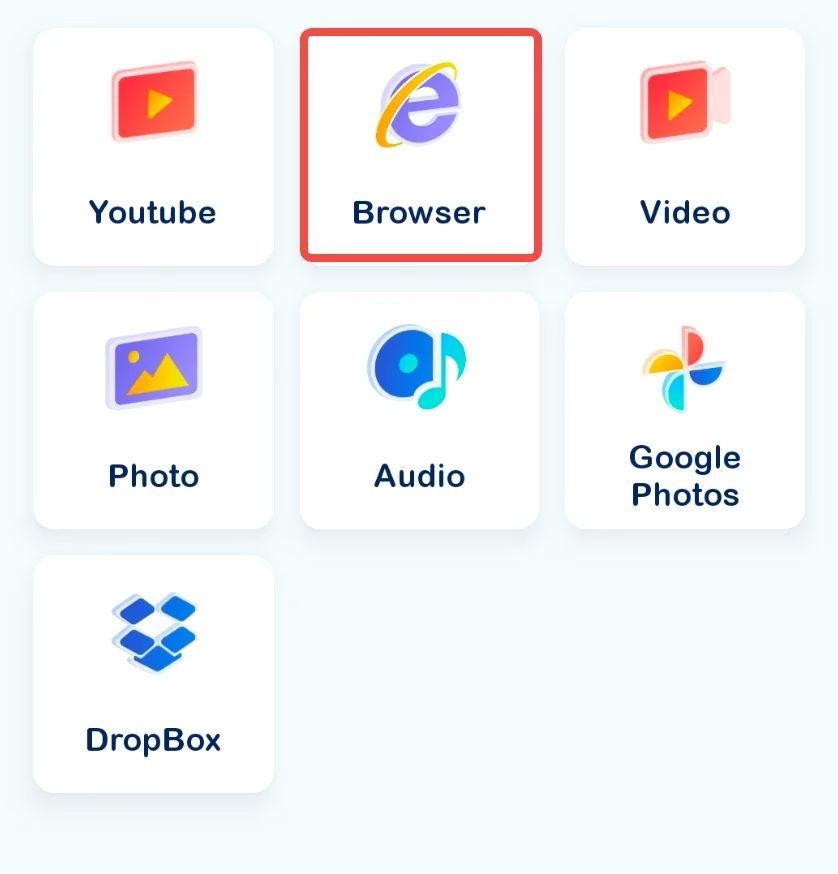
Note: How to cast StreamEast to TV? You can tap the Browser section on the app, search your interested StreamEast content, and click Tap to cast this video option. The content will be on your TV.
StreamEast Alternatives: Safe & Legal
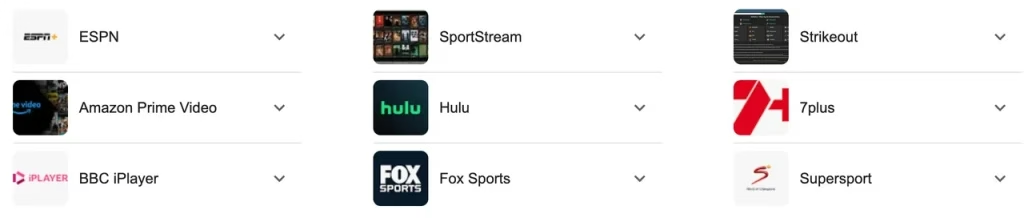
As stated above, StreamEast operates in a gray area and might be cracked down one day. Rather than taking the risks associated with StreamEast, consider opting for legitimate streaming services that offer reliable content, robust security, and compliance with copyright laws.
Services like ESPN+, Netflix, or Amazon Prime Video often provide high-quality streams without legal and safety concerns:
StreamEast Alternatives | Availability (Country) | Live Sports | Free Trial | Subscription Plan |
|
Note: Availability and subscription details are subject to change. It's advisable to check the official websites of these services for the most current information.
Conclusion
The disclosure of StreamEast secrets comes to an end here. Do you have any other questions about it? Remember that StreamEast is primarily an online streaming service for sports events, and there is no official app. While watching live sports from the service, don't trust any pop-up ads.
There are many safe and legal StreamEast alternatives, like Hulu, YouTube TV, ESPN, and so on, which are available on many newer smart TVs and provide vast content, including live sports. Using one of them is highly recommended.
StreamEast FAQ
Q: Is StreamEast really free?
Yes, StreamEast is free to use for accessing live sports streams. However, its operation in a legal gray area may involve ads, pop-ups, or other interruptions. You should exercise caution and consider the legal and security risks associated with such platforms.
Q: Is there a replacement for StreamEast?
Yes, StreamEast replacements include platforms like ESPN+, DAZN, FuboTV, Sling TV, and YouTube TV, offering sports like NFL, NBA, soccer, and more. These services vary in cost, availability, and features, with some offering free trials or limited free access.