
TCL テレビのリモコンがなくなったり壊れたりしていませんか?物理ボタンに依存している場合でも、モバイル アプリを使用している場合でも、スマート ホーム デバイスを利用している場合でも、TCL TV の音量コントロールをリモコンなしで制御できるようにするには、いくつかの方法があります。オプションを検討して、リモコンを使わずに音量を調整できることを確認してみましょう。
TCL TV の音量コントロールの重要性
TCL TV の音量コントロールは、最適な視聴体験を実現するために不可欠です。サウンドを微調整して明瞭度を高めたり、周囲の騒音を管理したり、完璧なレベルに調整したりする場合でも、音量を適切に設定することで楽しさがさらに高まります。通常はリモコンでこれを処理しますが、常に手の届くところにあるわけではありません。次に、リモコンなしで TCL Roku TV の音量を上げる方法を見てみましょう。
リモコンなしでTCL Roku TVの音量コントロールを行う方法
TCL テレビのリモコンは使用できません とイライラするかもしれませんが、選択肢がないわけではありません。ボリュームを使わずにボリュームを制御する実用的な方法がいくつかあります。テレビの物理ボタンを使用したり、スマートフォンでサウンドを制御したり、他のスマート ホーム デバイスを使用したりすることもできます。以下は、リモコンを紛失または破損した場合に、テレビの音量制御を取り戻すのに役立つ簡単な解決策です。方法 1. テレビの物理ボタンを使用する
TCL Roku TV のボタンはどこにありますか?ほとんどの TCL テレビには、テレビの側面、背面、または下端に音量ボタンが組み込まれています。これらのボタンは小さいことが多いですが、リモコンが届かない場合や使用できない場合に非常に役立ちます。
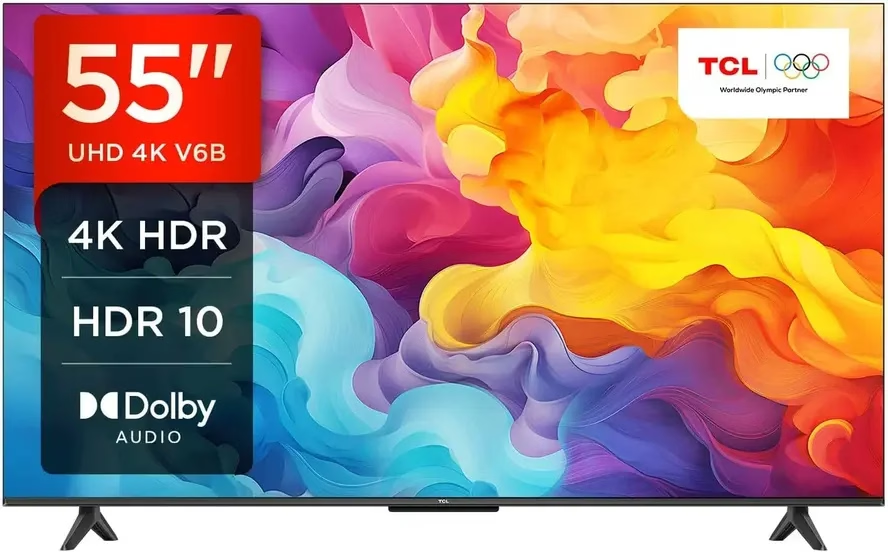
ステップ 1. まず、音量ボタンを見つけます。通常、音量ボタンはテレビの側面、背面、または底面にあります。
ステップ 2. 通常、音量を上げるための + ボタンと、音量を下げるための − ボタンがあります。
ステップ 3. 適切なボタンを押し続けるだけで、サウンドを希望のレベルに調整できます。
方法 2. TCL Roku モバイル アプリを使用する
リモコンなしでTCL TVの音量を上げるにはどうすればよいですか? 無料のユニバーサル TCL リモート アプリ を使用すると、携帯電話やタブレットからテレビを直接制御できます。このアプリは完全に機能するリモコンとして機能し、ボリュームの調整、チャンネルの変更などをすべてモバイル デバイスから簡単に行うことができます。
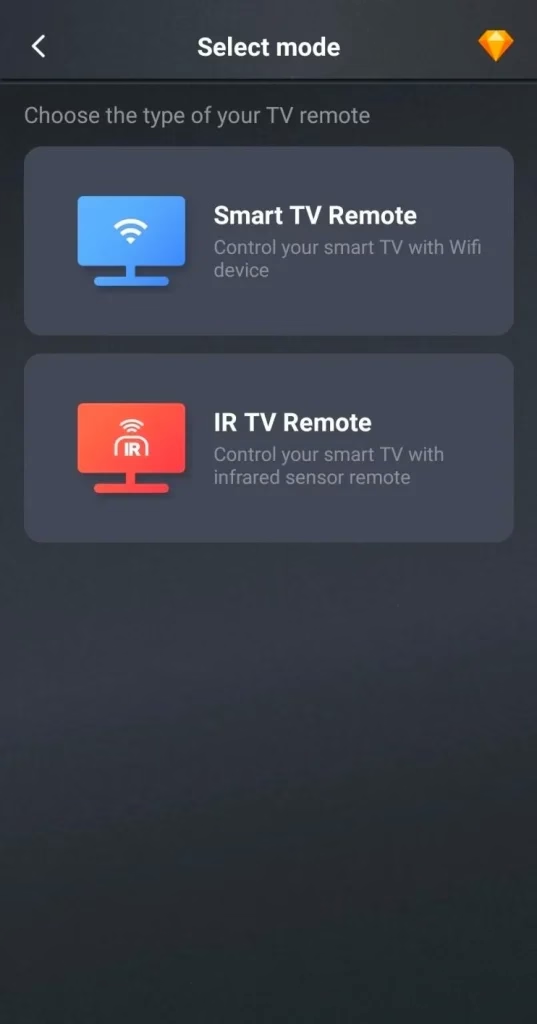
ユニバーサル TV リモコンをダウンロード
ステップ 1. 無料のユニバーサル リモート アプリをモバイル デバイスにインストールし、モバイル デバイスと TCL TV が同じワイヤレス ネットワークに接続されていることを確認します。または、モバイル デバイスに IR コントロールがある場合は、IR コントロールを選択できます。
ステップ 2. アプリケーションを起動し、タップして接続をタップして、デバイス リストから TCL TV を選択し、画面上の指示に従ってペアリング プロセスを完了します。
ステップ 3. ペアリングが成功したら、仮想ボタンをクリックして、リモコンなしで TCL Roku TV の音量を上げることができます。
方法 3. ユニバーサル リモコンを使用する
リモコンなしでTCL TVの音量を上げるにはどうすればよいですか?代わりに、ユニバーサルリモコン を試すこともできます。ユニバーサル リモコンは多くの家電量販店で入手でき、TCL を含むさまざまなテレビ ブランドで動作するようにプログラムできます。
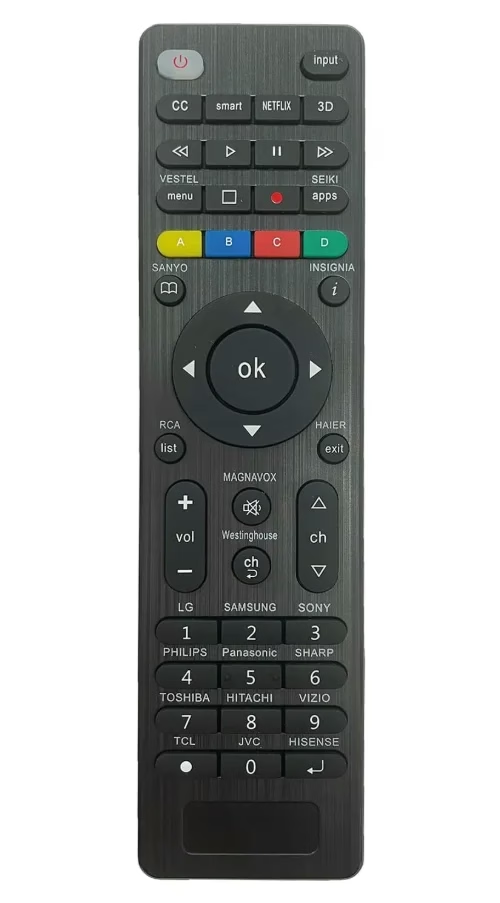
ステップ 1. TCL テレビと互換性のあるユニバーサルリモコンを購入します。
ステップ 2. TCL ボタンを 5 秒間押し続け、LED が 3 回点滅したら放します。設定は完了です。
ステップ 3. ペアリングしたら、ユニバーサル リモコンの音量コントロールを使用して TCL TV のサウンドを調整します。一部のユニバーサル リモコンでは、サウンドバーやメディア プレーヤーなどの複数のデバイスを制御できるようになります。
リモコンを使用しないボリュームコントロールのトラブルシューティング
上記の方法で音量を調整していても、場合によっては問題が発生することがあります。 TCL TV の音量コントロールに影響を与える可能性のある一般的な問題がいくつかあります。以下では、これらの問題に対処し、最適なサウンド制御に戻すための解決策を提供します。
テレビの音量がミュートのままになる
場合によっては、テレビの音量がミュートのままになることがありますが、その理由を理解するのが難しい場合があります。これは通常、ソフトウェアまたは設定の誤動作が原因で発生します。解決手順は次のとおりです。
ステップ 1. TCL TV の物理ボタンまたはリモート アプリで ミュート ボタンが有効になっているかどうかを確認します。
ステップ 2. ミュート ボタンを 1 回押して、サウンドのミュートを解除します。
ステップ 3. モバイル アプリを使用している場合は、アプリで音量を調整するか、テレビの物理ボタンを使用してミュートを解除してください。これでも問題が解決しない場合は、TCL TV を再起動して音量設定をリセットしてみてください。
音量調節ボタンが反応しない
TCL TV の物理的な音量ボタンが反応しない場合は、汚れの蓄積、ソフトウェアの不具合、または制御ボードの故障が原因である可能性がありますが、これらの手順を実行すれば、正常に動作する状態に戻すことができるはずです。
ステップ 1. 乾いた布でボタンを注意深く拭き、蓄積した汚れやほこりを取り除きます。
ステップ 2. テレビを再起動して、ボタンの機能を妨げる可能性のあるソフトウェアの不具合を解消します。
ステップ 3. 問題が解決しない場合は、モバイル アプリまたはユニバーサル リモコンを使用して音量を調整してみてください。
ステップ 4. 上記のいずれでも問題が解決しない場合は、TCL TV のマニュアルを参照するか、カスタマー サポートに問い合わせて、より深刻なハードウェアの問題があるかどうかを確認してください。
リモートまたはアプリ接続の問題
モバイル アプリまたは新しいリモコンを使用していて、TCL TV と適切に同期していない場合、多くの場合、問題はデバイス間の接続に関連しています。幸いなことに、通常は簡単に修正できます。
ステップ 1. まず、テレビとモバイル デバイスの両方を再起動して、接続をリセットし、一時的な問題を解決します。
ステップ 2. 両方のデバイスが同じ Wi-Fi ネットワークに接続されていることを確認します。異なるネットワーク上にある場合、デバイスは適切に通信できません。
ステップ 3. ユニバーサルリモコンを使用している場合は、ペアリングプロセスが正しく行われたことを再確認してください。マニュアルを参照して、すべての手順が実行されたことを確認してください。
ステップ 4. それでも同期が機能しない場合は、アプリまたはリモコンを再構成してみてください。場合によっては、セットアップを簡単にリセットすると問題が解決することがあります。上記の手順のいずれも機能しない場合は、アプリのトラブルシューティング セクションまたはリモコンのマニュアルで追加のガイダンスを確認してください。
結論
リモコンなしでTCL TVの音量を調整するにはどうすればよいですか?テレビの物理ボタンの使用から、TCL Roku アプリでスマートフォンの活用まで、これらの方法は状況に応じてさまざまなオプションを提供します。どちらの方法を選択しても、リモコンを使わずに TCL TV のサウンドを制御できるツールが手に入ります。
リモコンなしの TCL TV ボリューム コントロール FAQ
Q: TCL TV には音量ボタンがありますか?
はい、TCL テレビには通常、テレビの側面、底面、または背面に物理的な音量ボタンがあります。これらを使用すると、リモコンなしで音量を調整できます。
Q: リモコンを使わずに TCL テレビを制御するにはどうすればよいですか?
テレビの物理ボタンを使用するか、TCL Roku モバイル アプリをダウンロードするか、ユニバーサル リモコンを使用することで、リモコンなしで TCL TV を制御できます。
 Jul 31, 2024