
At the time of writing, YouTube TV is supported on Roku players and Roku TVs. Availability can still depend on device support, region, and account or setup state, so the answer is yes for many users but not in exactly the same way on every Roku setup.
If you searched does Roku have YouTube TV, you probably want a practical answer, not a history lesson. The real question is whether your Roku can install or open the YouTube TV app right now, whether your location qualifies, and what to do if the app does not appear. The sections below walk through those points in the right order so you can check support fast and move straight into setup.
Does Roku Have YouTube TV?
Yes, Roku does have YouTube TV support. In practical terms, that means YouTube TV can be installed or opened on supported Roku players and Roku TVs through the Roku interface, then used with a valid YouTube TV account in the United States.
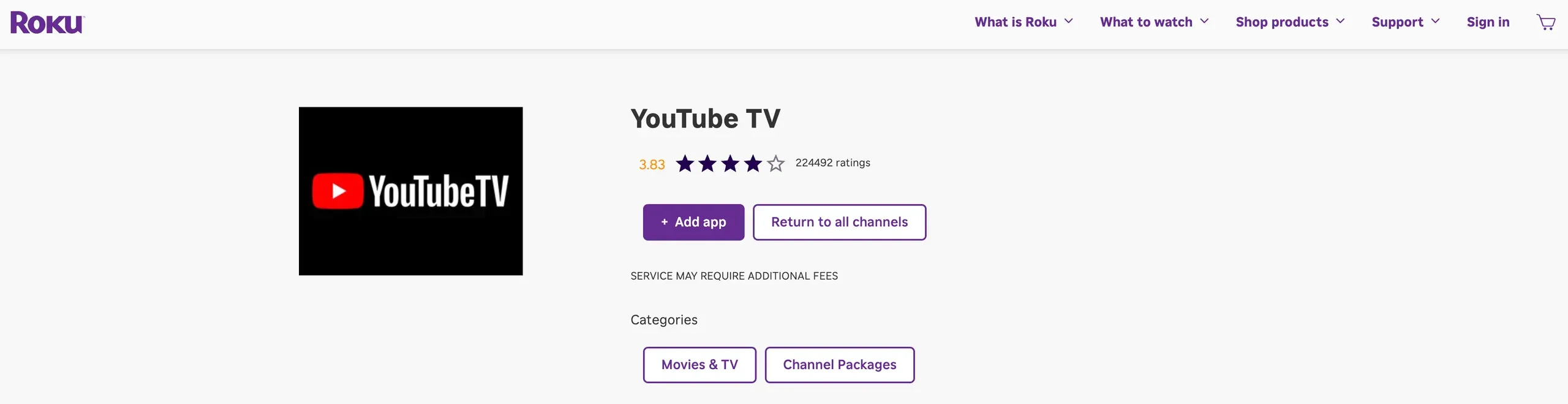
That support label still needs context. "Supported on Roku" does not mean every Roku model, every region, and every account state will behave the same way. At the time of writing, the current YouTube TV device-support pages list Roku players and Roku TVs among supported viewing platforms, but Google also notes that device availability and access can vary by supported model and service restrictions.
This distinction matters because users often mix up three different questions:
The short answer to the first question is yes. The second and third questions are where most setup failures happen. If the app is missing or playback fails, the problem is often not "Roku has no YouTube TV" but one of those narrower support limits.
Which Roku Devices Can Use YouTube TV
The safest high-level answer is that modern Roku players and Roku TVs are the intended support group, while very old Roku hardware may not deliver the same result. That is why it helps to think in terms of supported categories first, then confirm your own device if something looks off.
At a broad level, YouTube TV support pages point to Roku players and TVs rather than a short, frozen list of only a few models. That is useful because it shows Roku is part of the active platform mix. At the same time, Google also leaves room for exceptions, and that is the part many users skip over too quickly.
Here is the practical rule:
Why avoid a giant legacy-device table here? Because exhaustive compatibility lists can become outdated quickly, and the clearer editorial choice is to tell readers what to verify. If you can open the Roku home screen, update the system, and find the YouTube TV app in search, that is a better real-world signal than a copied list from an old support thread.
If your Roku feels borderline old and apps have been disappearing recently, treat that as an early warning sign. In that case, check for a system update first, then retry the app search. If the device still cannot surface YouTube TV after updating, model age or support status becomes the likely blocker.
How to Add or Open YouTube TV on Roku
When YouTube TV is supported on your Roku, setup is usually simple. The process only gets messy when users search for the wrong app name, skip the update check, or confuse YouTube TV with the standard YouTube app before signing in.
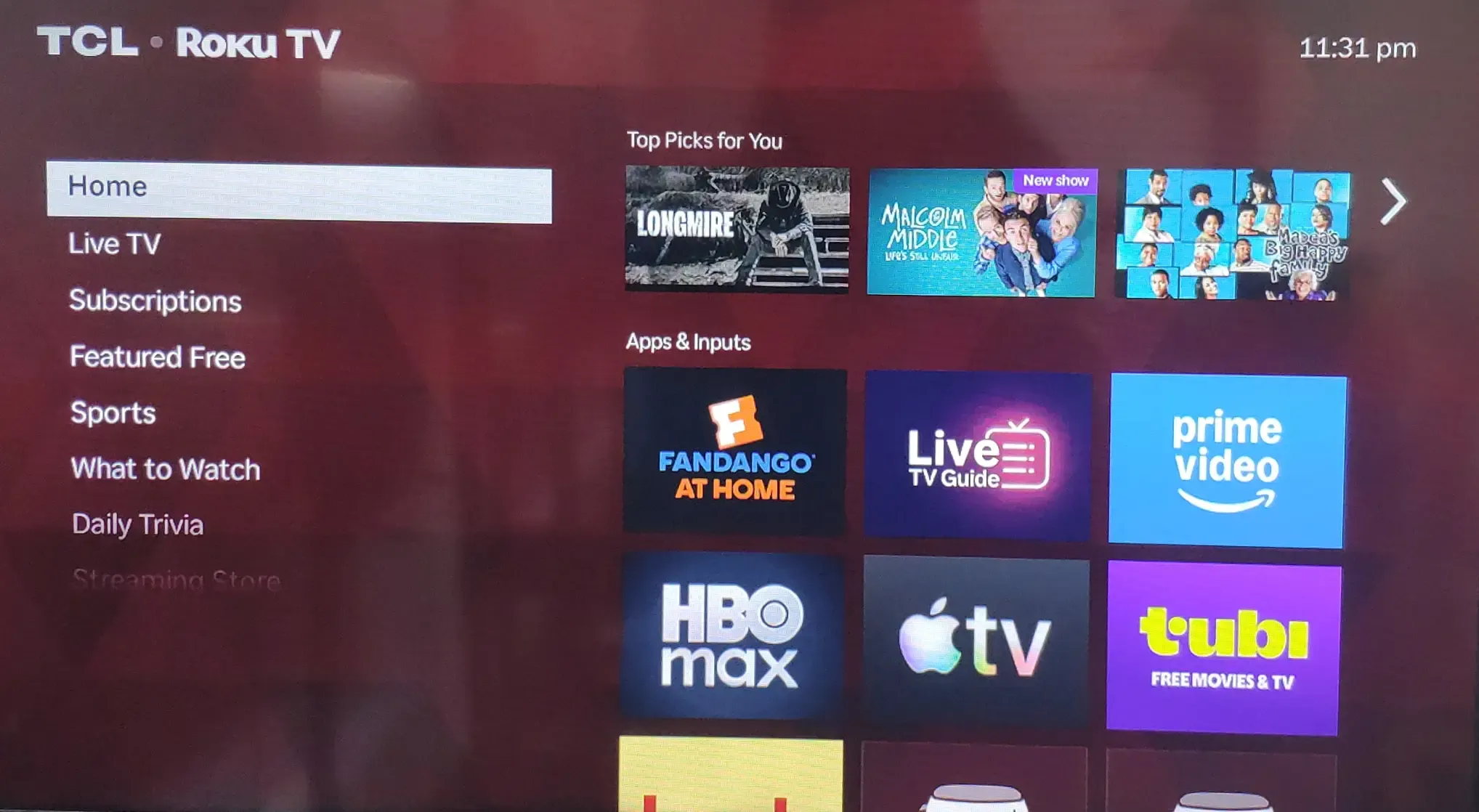
Step 1. Turn on the Roku and go to the home screen.
Start from the normal Roku home menu so search and app-management options are easy to reach. If the Roku is lagging badly before you even begin, a quick restart on Roku with your remote can save time before you retry the install path.
Step 2. Open the Roku search or streaming app store.
Use the built-in search tool and type `YouTube TV`. Search carefully because `YouTube` and `YouTube TV` are related but not identical apps and services.
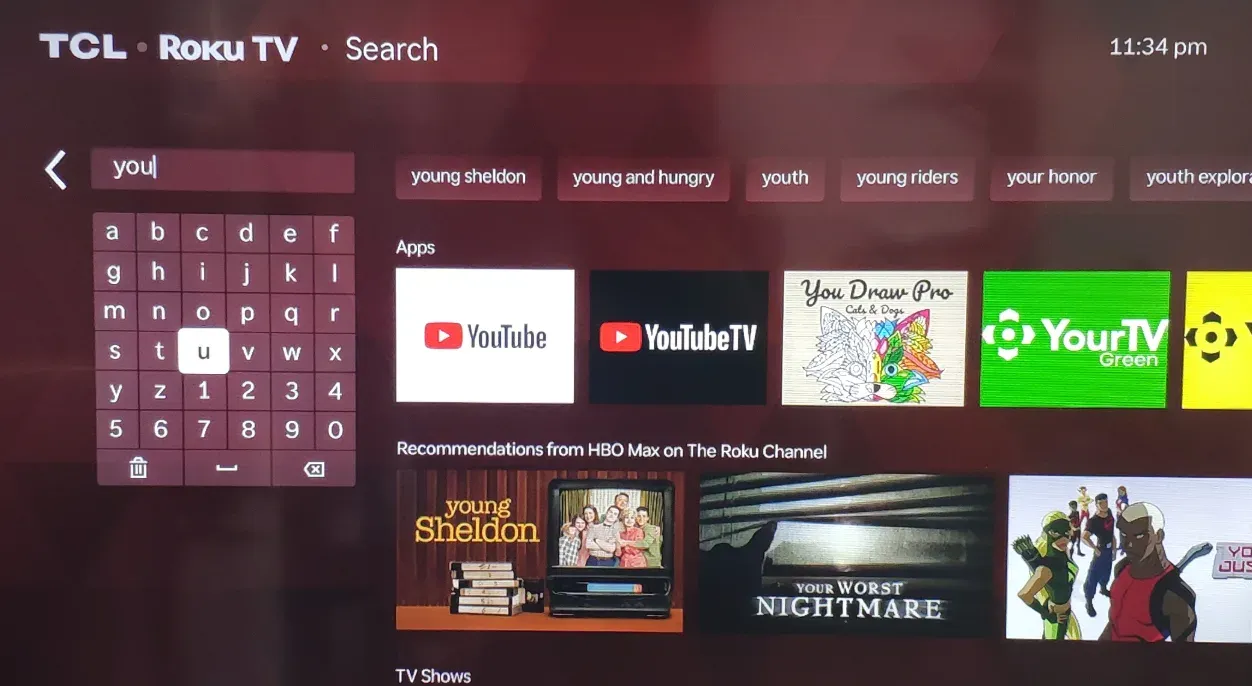
Step 3. Select the YouTube TV app if it appears.
If Roku shows the dedicated YouTube TV app or the supported path to access YouTube TV, open that result instead of choosing the standard YouTube app by habit. This is the point where many users lose time because the names look similar at a glance.
Step 4. Choose the install or add option if the app is not already on the device.
Wait for Roku to finish adding the app before backing out. On slower devices, the install can take longer than expected, so give it a moment instead of reopening the same search result repeatedly.
Step 5. Open the app and sign in with the Google account that has the YouTube TV subscription.
If the app launches but asks you to activate or sign in, complete that step first. A visible app icon does not always mean the service is ready to stream until the correct subscription account is attached.
Step 6. Start a test stream.
Open one live channel or one library item to confirm the setup is complete. That quick test tells you whether the issue was only installation, or whether playback restrictions are still in the way.
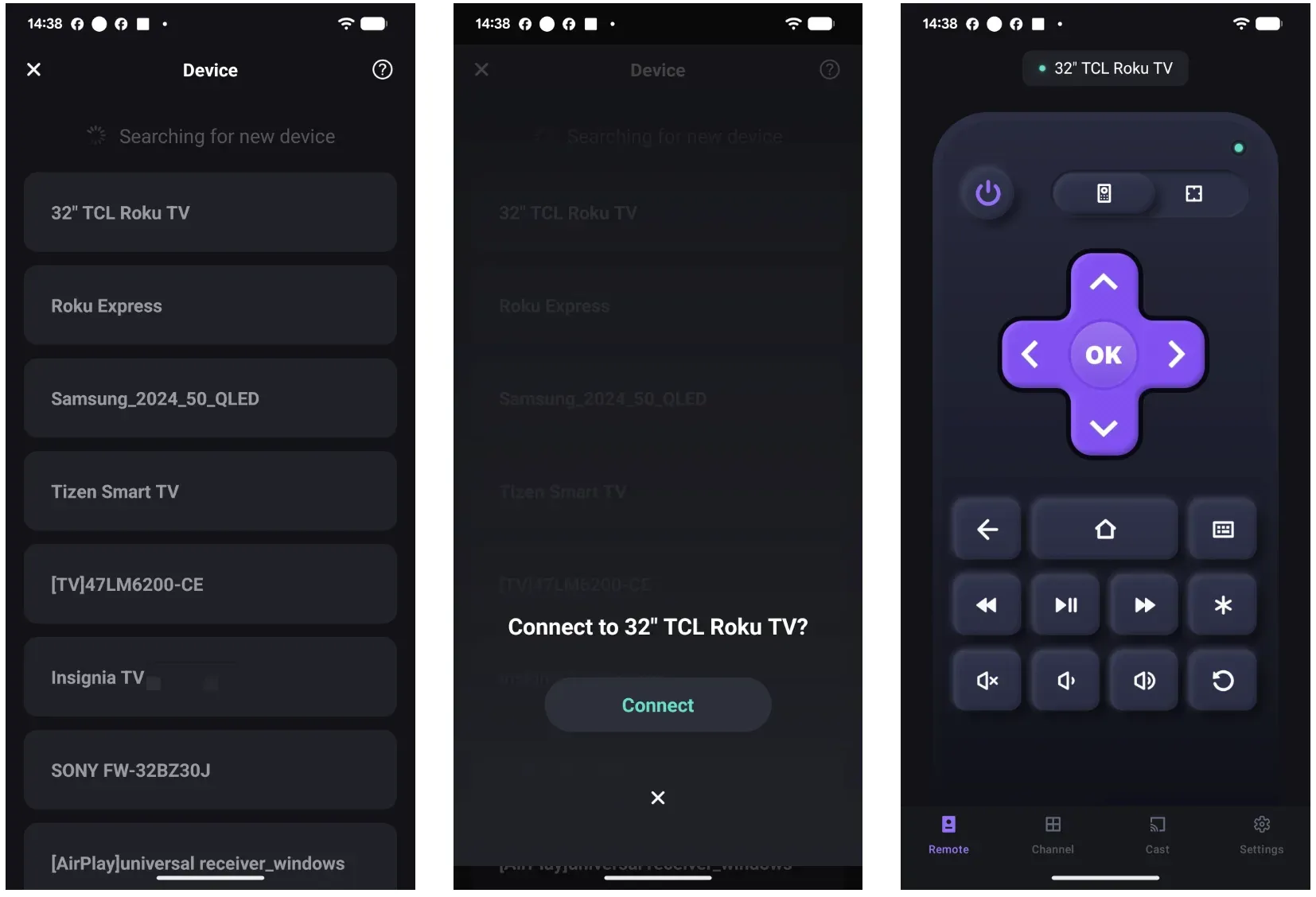
If your Roku is supported but the physical remote is the real problem, a Roku remote application can be a useful alternative.
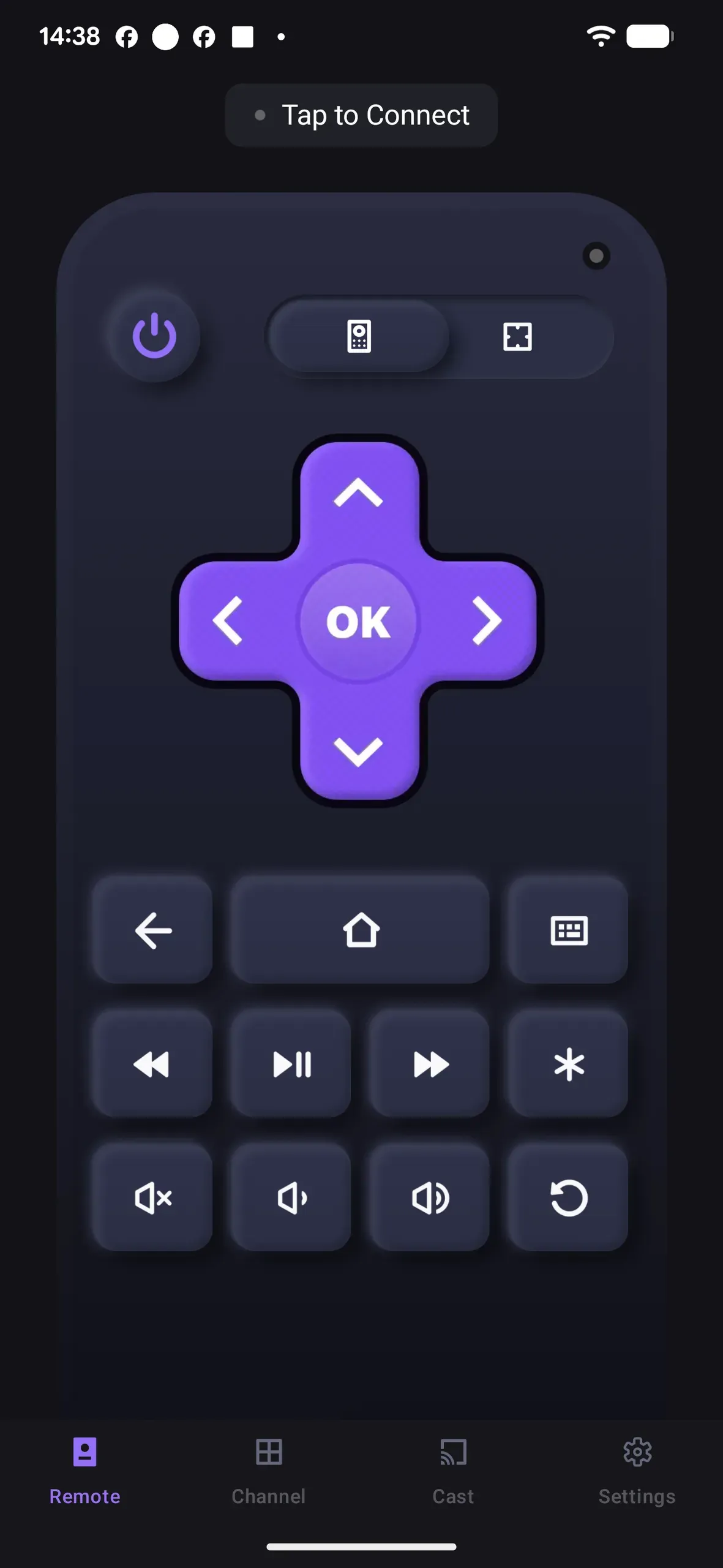
A lightweight option such as BoostVision can help you navigate the Roku menus, run a search, or finish sign-in when button input is inconsistent. That does not change YouTube TV compatibility itself, but it can remove the control barrier that makes setup feel like a support failure.
If you want to try that route, the app is available on Google Play. Download it, connect your phone to the same Wi-Fi network as the Roku device, and use it to finish the YouTube TV setup with more stable controls.
Why YouTube TV May Be Missing on Roku
If you cannot find YouTube TV on Roku, the missing app usually points to a specific blocker rather than a vague platform-wide outage. The fastest fix comes from matching the symptom to the right category instead of reinstalling random apps and hoping one works.
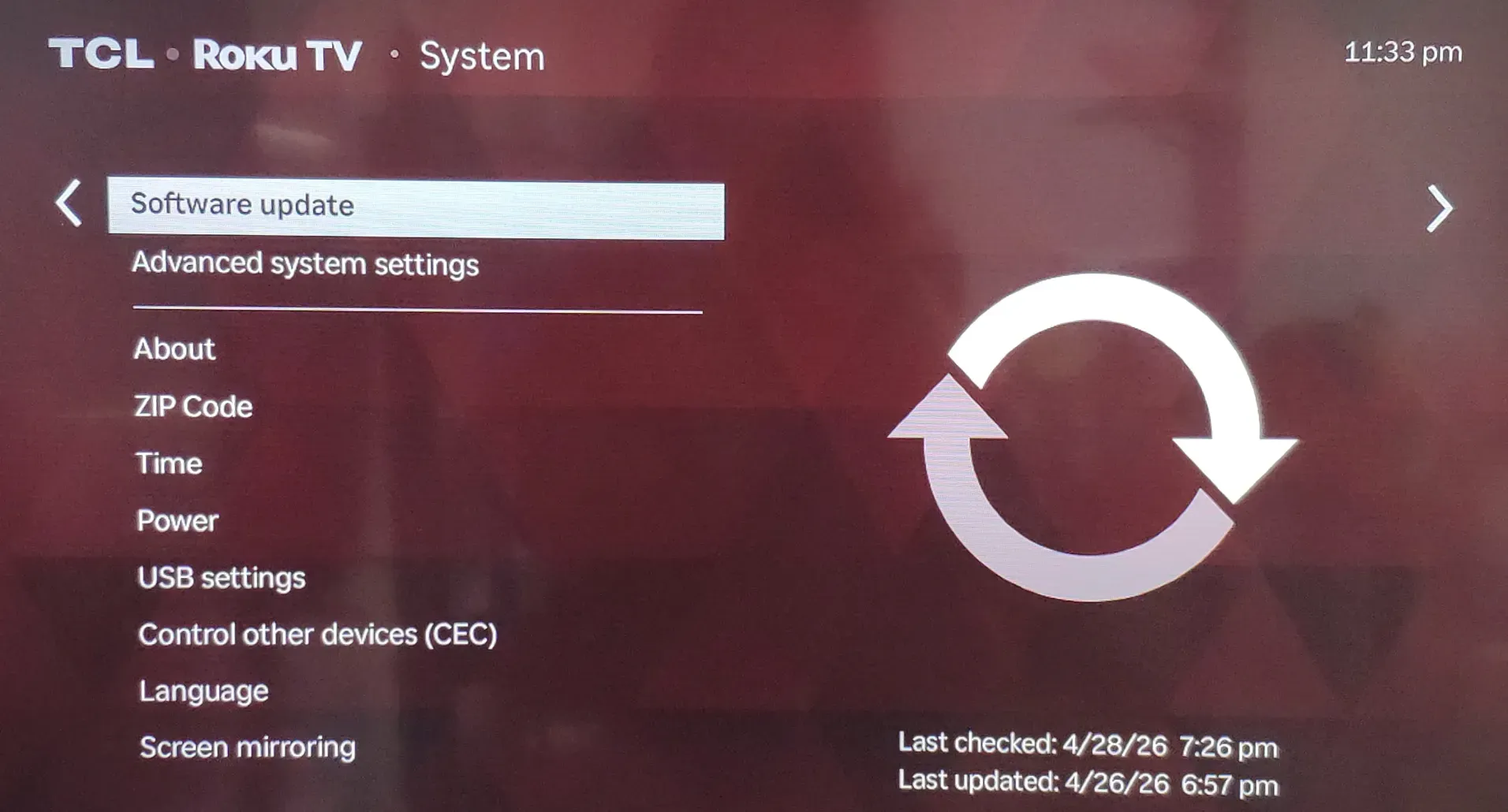
One common cause is an outdated Roku OS. If the device software is old, app listings may not refresh properly or newer app requirements may not be met. This is the first thing to check when the Roku still works in general but newer services seem harder to find.
Another frequent cause is unsupported older hardware. Even if Roku as a platform supports YouTube TV, a very old player may not keep up with the current app version or may no longer be part of the practical support set. That is why "Roku supports it" and "my old Roku supports it" are not always the same statement.
Region and account state also matter. YouTube TV is a U.S. service, so users outside the supported service area can run into availability limits even if the Roku hardware itself is fine. In some cases the app may appear but the account cannot proceed normally. In other cases the service may be unavailable from the start because of location restrictions.
Search confusion is another easy trap. Some users search for `YouTube` and assume that is enough, then wonder why live TV access is missing. The standard YouTube app and YouTube TV are connected brands, but they do not work like interchangeable services. If you are trying to watch a live YouTube TV subscription, make sure you are opening the correct app or supported access path.
App install and sign-in friction can create the same false impression. If Roku adds the app but activation stalls, or if the wrong Google account signs in, the problem may look like missing platform support when it is really just incomplete account setup. That is why one clean install plus one clean sign-in test is more useful than repeated blind searching.
Use this quick check order when YouTube TV is not showing on Roku:
1. Update Roku system software.
2. Search specifically for `YouTube TV`.
3. Confirm the Roku is not an unsupported older device.
4. Confirm you are in the United States and using the right account.
5. Open the app and test one stream after sign-in.
That sequence usually reveals whether you are dealing with software age, hardware limits, service geography, or a simple app-selection mistake.
Conclusion
Yes, Roku does have YouTube TV, and at the time of writing, supported Roku players and Roku TVs remain part of YouTube TV's official device ecosystem. The important qualifier is that support still depends on the device being current enough, the service being available in your region, and the app being installed and signed in correctly.
If YouTube TV is missing, do not jump straight to the conclusion that Roku no longer supports it. Check the Roku model age, update the software, search for the correct app name, and verify the account and location first. In many cases, the problem is a specific setup blocker rather than the service disappearing from Roku altogether.
Does Roku Have YouTube TV FAQ
Does Roku have YouTube TV on all devices?
No. Roku supports YouTube TV at the platform level, but not every older Roku device should be assumed to work the same way. Newer Roku players and Roku TVs are the safer expectation, while very old models may fail to show or run the app properly.
Why is YouTube TV not showing on my Roku?
Start by updating the Roku software and searching specifically for `YouTube TV`. If it is still missing, the most likely reasons are an older unsupported device, a region restriction, or confusion between the YouTube app and the YouTube TV service.
Can you get YouTube TV on Roku TV?
Yes, in general you can get YouTube TV on Roku TV models that remain within the supported device group. If the app does not appear, check system updates, confirm your location, and verify that you are opening the correct service rather than the regular YouTube app.
Is YouTube TV the same as the regular YouTube app on Roku?
No. The regular YouTube app focuses on standard YouTube videos, while YouTube TV is the live TV subscription service. They are related brands, but a normal YouTube install is not a guaranteed substitute for a YouTube TV subscription experience.
Can I watch YouTube TV through the standard YouTube app on Roku?
Sometimes users can reach related YouTube account content through the broader YouTube ecosystem, but you should not treat the standard YouTube app as a reliable replacement for proper YouTube TV access on Roku. If your goal is live channels, DVR, and full subscription features, use the dedicated YouTube TV path when it is available.
Does YouTube TV work outside the United States on Roku?
No, not as a normal supported use case. YouTube TV has U.S. availability restrictions, so Roku ownership alone does not grant access in unsupported regions. If your account or current location falls outside the supported area, service access can fail even on compatible Roku hardware.
 Mar 23, 2026