
If you've recently bought a Samsung TV and noticed there are no buttons on Samsung TV, you're not alone. Many newer models come with minimalist designs, leaving users wondering how to control their TV. While this sleek design may look great, it can be a bit inconvenient, especially if your remote is lost or broken.
Are There No Buttons on Your Samsung TV?
If you're struggling to find any visible Samsung TV no buttons, don't worry—it's by design! Many modern Samsung models have adopted a minimalist approach, hiding the power, volume, and input buttons in discreet places or even removing them completely.
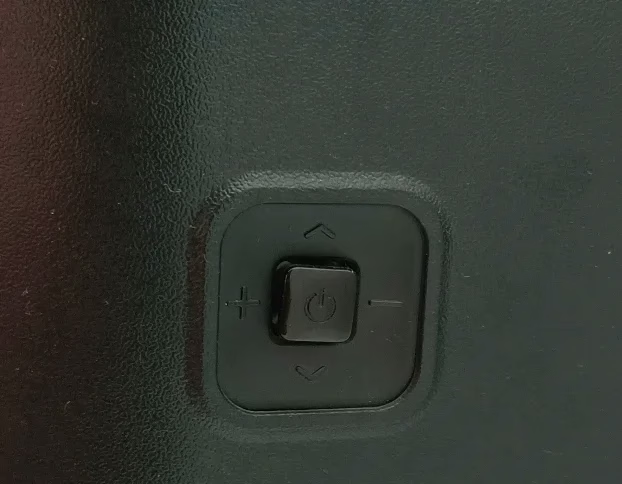
This is especially true for slimmer TVs with edge-to-edge screens, where design takes precedence over traditional controls. However, not all hope is lost. There are still various ways to control the Samsung TV without buttons, whether you prefer using an app, a remote, or even voice commands.
How to Control the Samsung TV Without Buttons
No buttons on your Samsung TV may seem like a problem, but there are simple ways to take control without relying on the remote. Whether it's finding hidden controls or using app-based solutions, we'll guide you through the easy options to manage your TV.
Use the Free Samsung TV Remote App
There is a free Samsung remote app that can be downloaded on your smartphone, allowing you to control your TV just like a traditional remote. Once connected via Wi-Fi, you can adjust the volume, change channels, and even power on/off the TV from your mobile device.
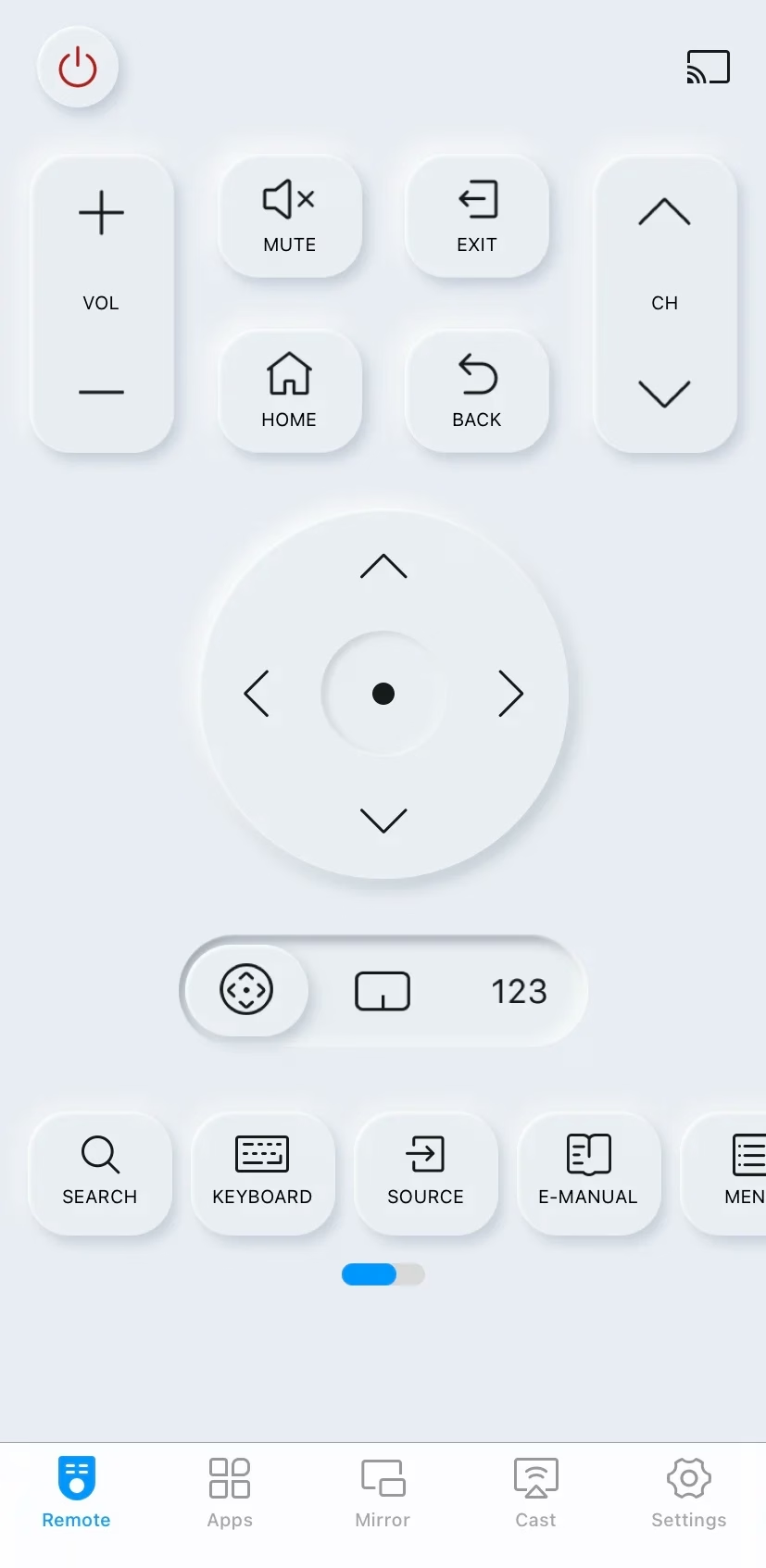


Step 1. If your Samsung TV has no buttons, install the virtual Samsung remote on your mobile device, then ensure your device and the Samsung TV are covered by the same wireless network.
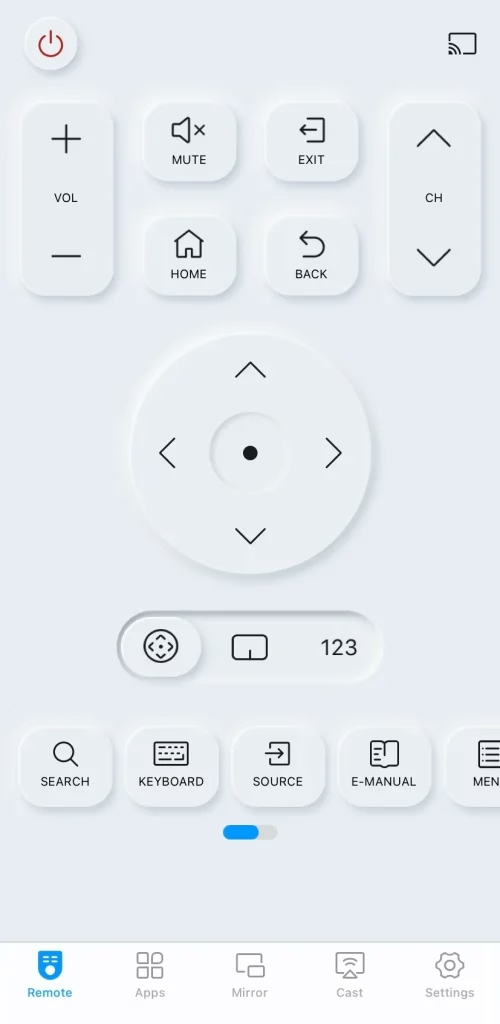
Step 2. Launch the remote app and tap the pairing entry to choose your Samsung TV from the device list.
Step 3. After completing the pairing process, you can use the remote app as a physical remote to control your Samsung TV.
Use Voice Assistants (Alexa, Google Assistant)
If you have a voice-controlled smart speaker (like Amazon Alexa or Google Assistant), you can connect it to your Samsung TV and control basic functions using voice commands. This method can be especially useful when your Samsung TV doesn't have buttons and you don't have the remote handy.
To set up Alexa as your voice assistant on your Samsung TV, you can do so during the initial setup or later through the Settings menu. Before you begin, make sure you have the Amazon Alexa app installed on your smartphone.
Step 1. Go to Settings > General > Voice > Voice Assistant, then choose Alexa and confirm by selecting OK.
Step 2. Use your phone's camera to scan the QR code that appears on the screen, which will direct you to Amazon's website.
Step 3. Sign in to your Amazon account or create a new one if needed. Once logged in, tap Allow to grant permissions. Your TV will link to your Amazon account. Follow the on-screen instructions to complete the setup.
Use a Universal Remote
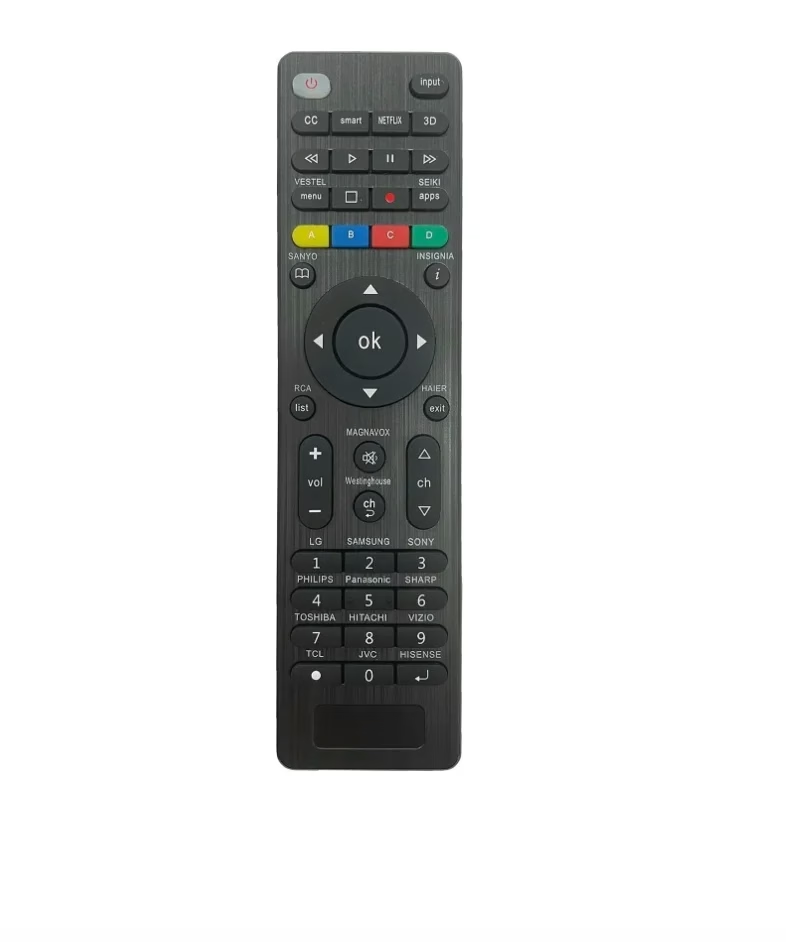
A universal remote is a practical way to control your Samsung TV along with other devices. Most universal remotes are equipped with pre-programmed codes for popular TV brands, including Samsung, making setup a breeze. All you need to do is program the remote by pressing the pairing button, and you'll have full control of your TV, just like with the original remote.
If you don't have a universal remote yet, no worries! You can easily purchase the universal remote at your local electronics store or online, and set it up quickly. With just a few simple steps, you'll have a streamlined remote that controls your Samsung TV and other devices, making your entertainment setup more convenient and less cluttered.
Use HDMI-CEC
If your TV and connected devices support HDMI-CEC, you can control your Samsung TV using other devices like a game console or streaming stick. HDMI-CEC allows any device plugged into your TV's HDMI ports to turn the TV on or off and even adjust the volume. This feature provides an easy way to control your TV without the need for remote or built-in buttons.
To Sum Up
How to turn on Samsung TV without remote no buttons? You're allowed to use the virtual Samsung TV remote app, voice assistants like Alexa and Google Assistant, a physical universal remote, and HDMI-CEC. With these solutions, you can easily manage your TV without remote or visible controls.
No Buttons on Samsung TV FAQ
Q: Where are the buttons on a Samsung TV?
On most Samsung TVs, the buttons are hidden on the back panel or the bottom bezel. In some models, a single joystick-style button is located on the back of the TV, which you can press to power the TV on and off and navigate menus.
Q: How do I turn on a TV that has no buttons?
If your Samsung TV has no buttons, you can turn it on using the TV remote app on your phone, a universal remote, or voice assistants like Alexa or Google Assistant. You can also use devices connected via HDMI-CEC to power the TV automatically.