
Is Twitch on Roku?
Twitch, a live gaming platform, extends its worldwide popularity as it provides extensive content like talk shows, music, gaming experiences, and so forth, and users can enjoy the pleasant atmosphere. Does Roku have Twitch? No, the Roku Twitch app is not available now.
Why is There no Twitch on Roku?
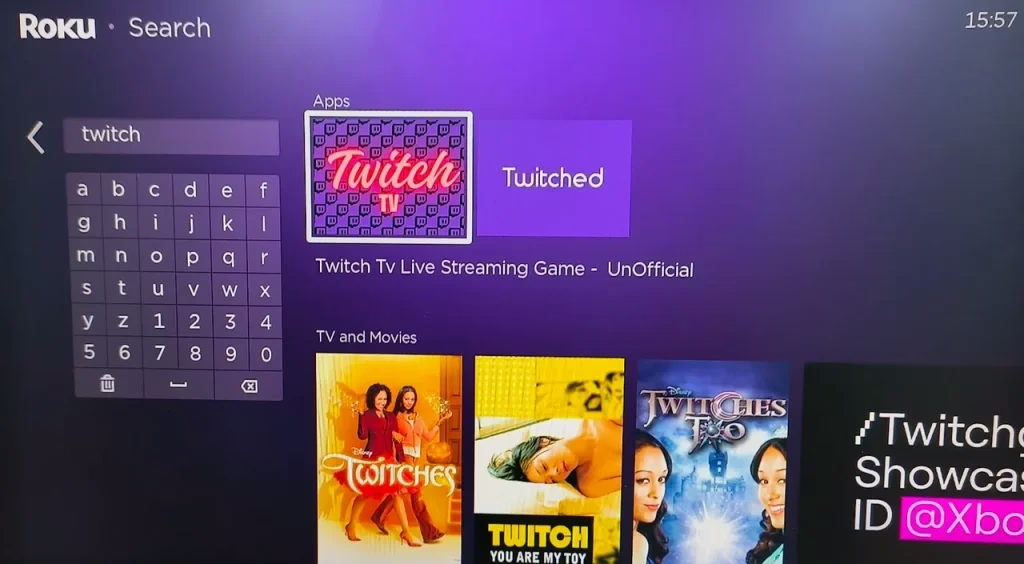
Twitch was available on Roku streaming devices but was removed from the Roku Channel Store in 2017 and will no longer receive updates. That's why there is no official Twitch app on your Roku streaming device.
What caused this? There are no official statements from Roku or Twitch, but several potential reasons for the absence of Twitch on Roku TV are as follows.
Disagreements over revenue sharing: Roku and Twitch might have failed to agree on revenue sharing or advertising terms. Platforms often have revenue-sharing agreements, and if negotiations break down, one party may decide to remove the other's services.Technical limitations or compatibility: There could have been issues between Twitch and Roku that are related to compatibility, streaming quality, and data integration.
Can You Get Twitch on Roku?
For the question "Can you download Twitch on Roku?", the answer is no. As stated above, Roku removed the Twitch app. However, it doesn't mean that you have no chance to access content from Twitch on your Roku streaming device.
Luckily, you can still watch Twitch on your Roku streaming device through certain workarounds regardless of the discontinuation of the Twitch app on the Roku Channel Store.
How to Watch Twitch on Roku?
To download apps on Roku, you need to activate the Search option to find the app you desire and choose the Add app option. However, the routine changes when you want to add Twitch to Roku as Twitch is not available on the Roku Channel Store.
Furthermore, unlike platforms like Android TV or Fire TV, Roku doesn't have a browser; therefore, you can't visit the Twitch website (twitch.tv) and watch streams directly.
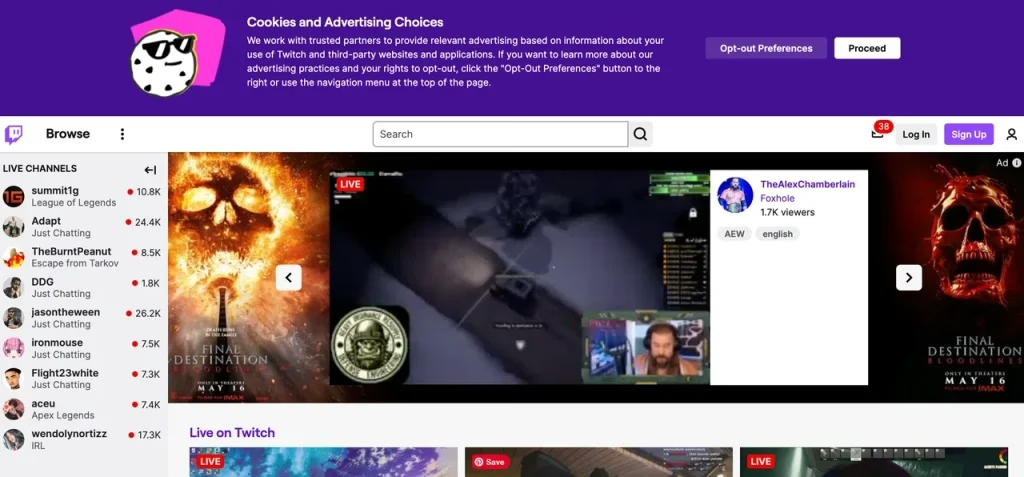
How to watch Twitch on Roku? There are three ways to watch Twitch on Roku, and considering feasibility and security, the last one is highly recommended.
For those who have never used Twitch on Roku TV or other Roku streaming devices, the workaround is to add the TWOKU app to your Roku. The Twitch Roku app allows you to access Twitch streams on your Roku, but note that the app is unofficial, neither supported nor verified by Roku. Apps like TWOKU can be called Roku hidden channels. Adding such apps to Roku may lead to the possibility that you lose the ability to add more such apps in the future.
Option 1. Restore Twitch to Roku
Can you download Twitch on Roku? If you have used the official Roku Twitch app, you can "download" the app on your Roku device:
Step 1. Navigate to the Roku site through a web browser.
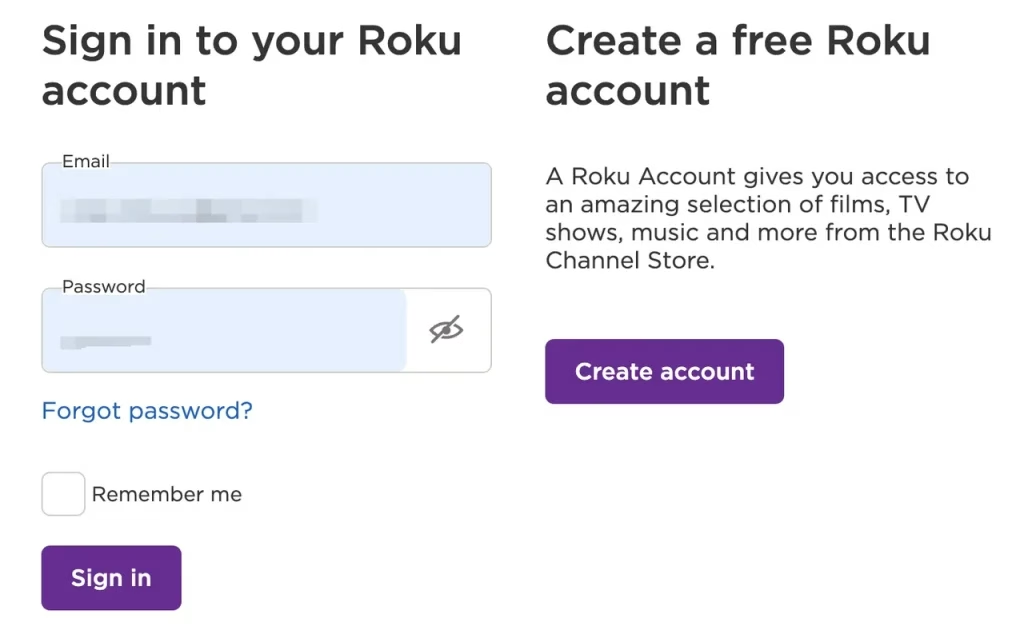
Step 2. Once logged in, click the Add channel with a code link.
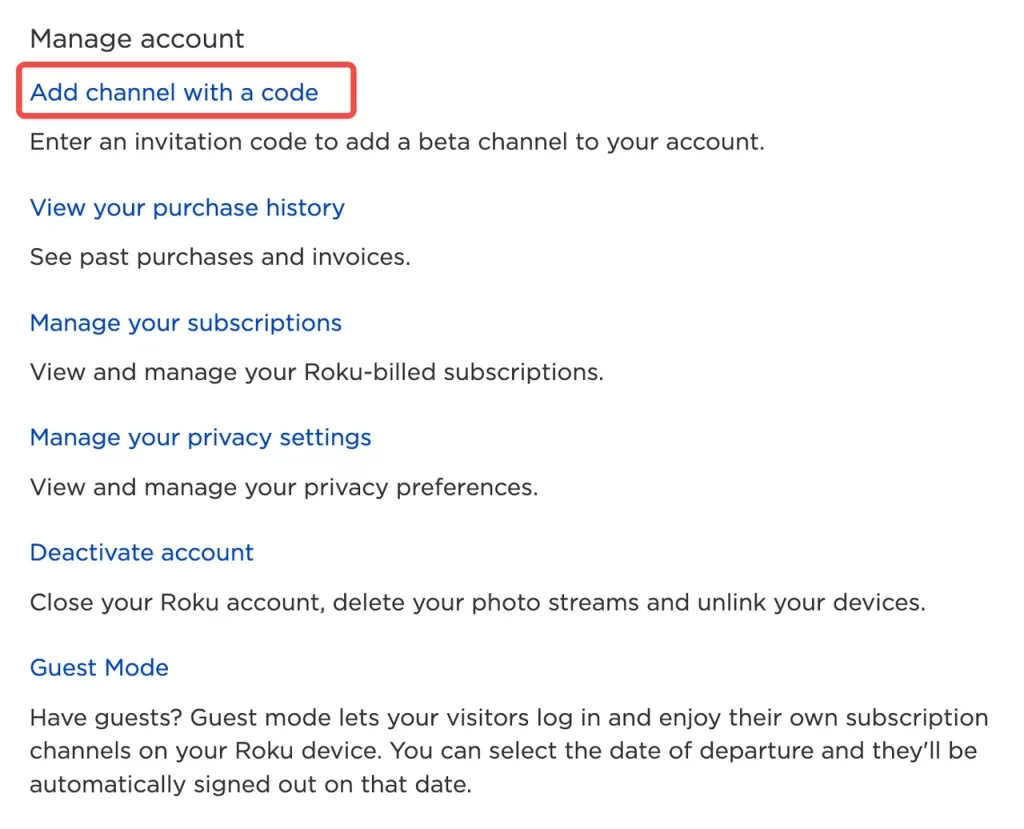
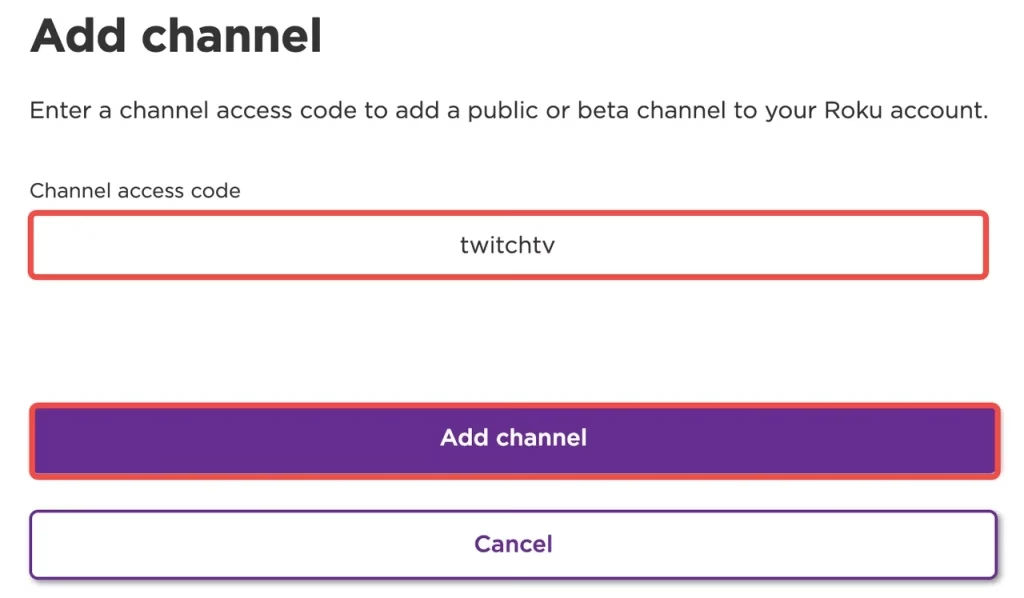
Step 3. Type twitchtv into the Channel access code box and click the Add channel option.
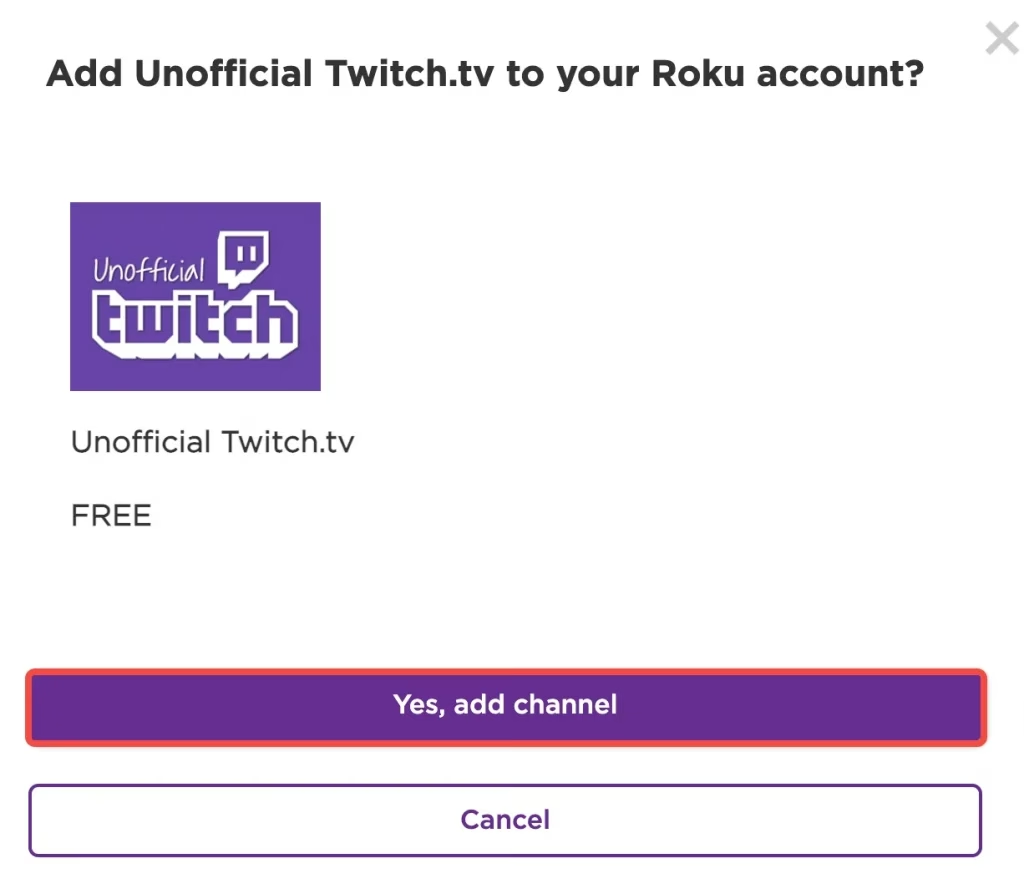
Step 4. Click the OK option when the Roku site prompts a warning and choose Yes, add channel option to get Twitch on Roku.
Option 2. Cast Twitch to Roku
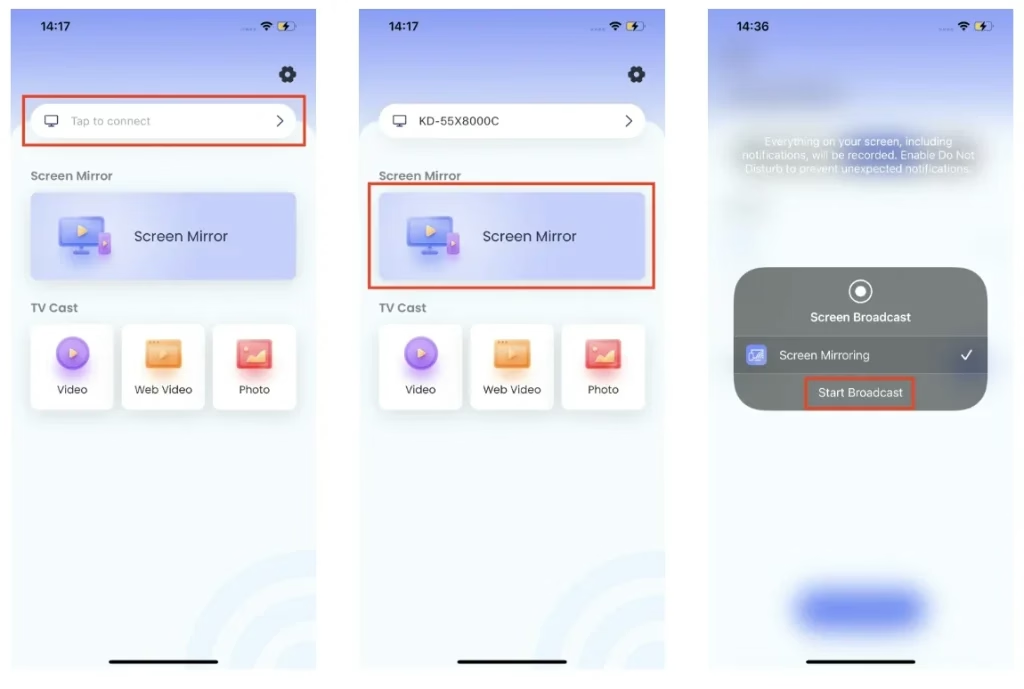
If you have Twitch installed on your phone or tablet, the third workaround to watch Twitch on Roku is screen mirroring or casting to your Roku. There are many ways to stream Twitch to Roku and the super easy one is to use the Screen Mirroring app from BoostVision, a professional screen mirroring and casting application developer.
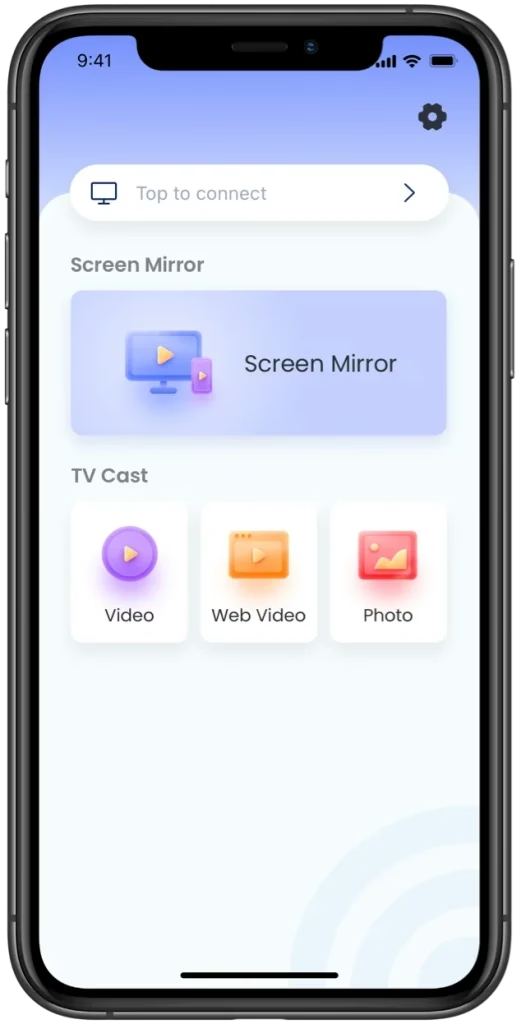
The app is designed to set up a wireless connection between a phone or tablet (iOS and Android) to all smart TVs, including Roku, and stream content between two devices seamlessly with low lag.


Open the Screen Mirroring app on your smartphone or tablet, then connect your device to your Roku through the app (once the two devices share one WiFi network), next enable the screen mirroring or casting feature, and last, launch the Twitch app on your device. Your Roku screen will be covered by the content from Twitch. For the details, refer to the manual of the Screen Mirroring app.
Option 3. Add TWOKU to Roku
For those who have never used Twitch on Roku TV or other Roku streaming devices, the workaround is to add the TWOKU app to your Roku. The Twitch Roku app allows you to access Twitch streams on your Roku, but note that the app is unofficial, neither supported nor verified by Roku. Adding an uncertified app to Roku may lead to the possibility that you lose the ability to add more such apps in the future.
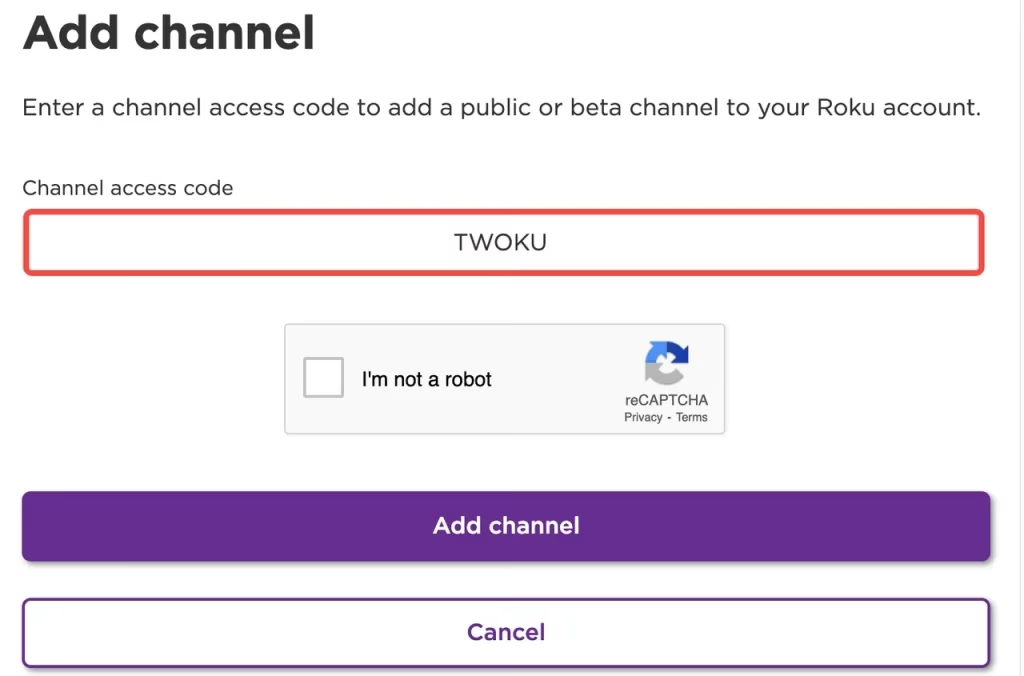
How to get Twitch on Roku in this way? You should also perform steps the same as above, but the difference is that you need to type TWOKU into the Channel access code box.
Option 4. Sideload Twitch on Roku
You can also try sideloading the Twitch app on your Roku by using Roku Developer Mode:
Step 1. Enable Roku Developer Mode on your Roku device.
Home(×3),Up(×2),Right,Left,Right,Left,Righton your Roku remote. - Once the
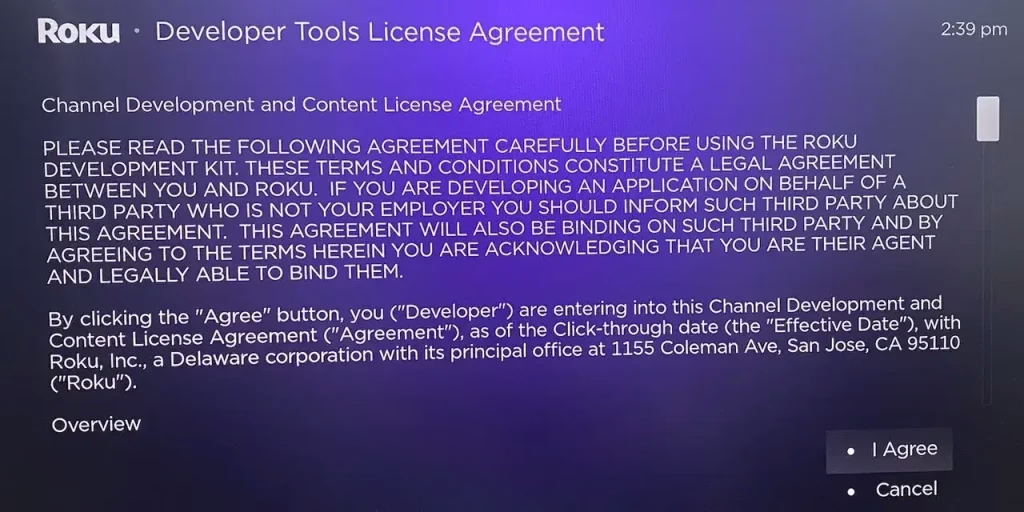
Developer Settingsscreen appears, chooseEnable installer and restart. - Accept the license agreement and create a password.
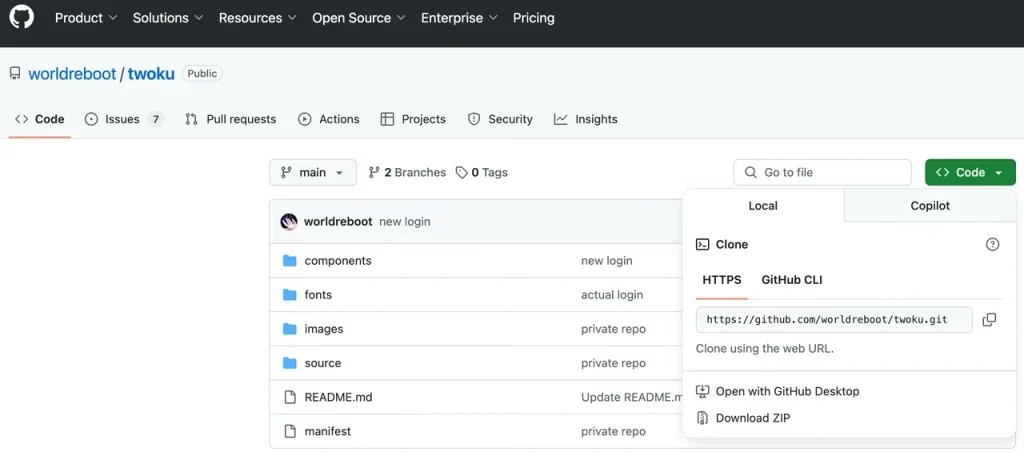
Step 2. On your computer, visit https://github.com/worldreboot/twoku, click the Code button, and choose Download ZIP.
Step 3. On the same computer, go to your Roku's IP address and log in using your password.
Step 4. Choose the Upload button and select the ZIP file you downloaded.
Step 5. Click Install. The TWOKU app should launch on your Roku automatically.
Conclusion
Twitch was removed from the Roku Channel Store in 2017 for some reason. If you want to watch Twitch on your Roku streaming device, you can try adding twitchtv or TWOKU through the Roku site or screen mirroring or casting Twitch from your smartphone to Roku. Each way is easy, but note that adding uncertified apps to Roku involves risks.
Hope you have a wonderful watching experience on your Roku streaming device and look forward to one day when Twitch returns to the Roku Channel Store.
Twitch on Roku FAQ
Q: What devices support Twitch?
Twitch is compatible with many platforms. It can be installed on Mac and Windows computers, Android and iOS devices, and gaming consoles like PlayStation. You can also find the app on Amazon Fire TV, Apple TV, Chromecast, etc.
Q: Can I cast Twitch to my TV?
You can take advantage of a screen mirroring or casting app to stream Twitch on your TV. If you have Twitch on your smartphone, you can cast Twitch to your TV through the Screen Mirroring app by BoostVision.
Q: What is the code to add Twitch to Roku?
To add unofficial Twitch alternatives like TWOKU to Roku, the code is TWOKU. But Roku has restricted many non-certified channels, and therefore, it is highly recommended that you use a screen mirroring app to cast Twitch from your phone to TV.
Q: Can you get the Twitch app on TV?
Yes, you can get the Twitch app on smart TVs that use platforms like Android TV, Amazon Fire TV, and Apple TV. However, Roku TV and streaming players do not support an official Twitch app, but casting or sideloading alternatives are possible.