
If you've recently purchased a universal remote or are trying to program your Dynex TV remote, you've come to the right place. Finding the correct remote codes for your TV brand can be a hassle, but we've compiled a comprehensive list of Dynex TV remote codes for popular brands like GE, RCA, Magnavox, Dish, and Onn. Whether you're using a Dynex universal remote or another compatible remote, this guide will help you get your TV up and running in no time.
Why Use Dynex TV Remote Codes?
Universal remotes are designed to work with a wide range of TV brands, making them a convenient and cost-effective solution for controlling multiple devices. However, to sync your remote with your Dynex TV, you'll need the correct remote code. These codes are unique to each brand and model, ensuring seamless compatibility.
How to Program a Universal Remote to a Dynex TV?
Before diving into the codes, here's a quick step-by-step guide to programming universal remote to Dynex TV:
Step 1. Turn on your TV and ensure it's in pairing mode.
Step 2. Press and hold the Setup button on your Dynex remote until the LED light turns on.
Step 3. Enter the 4-digit or 5-digit code for your TV brand (see the list below).
Step 4. Press the Power button to test if the code works. If the TV turns off, the code is successful.
Step 5. If the code doesn't work, repeat the process with the next code for your brand.
How to Find the Right Dynex Tv Remote Codes in 60 Seconds
Start with your remote brand and test the most likely code format first, then expand to other code lengths only if needed. Keeping the TV powered on during setup makes it easier to confirm whether dynex tv remote codes is working immediately.
If one code fails, move to the next code in sequence instead of repeating the same value. This reduces input errors and helps you identify a compatible code faster.
Dynex TV Universal Remote Codes for Popular Brands
Below is a list of Dynex TV codes for universal remote organized by remote brands, including 3-digit, 4-digit, or 5-digit codes:
Why Dynex TV Remote Codes Might Not Work and How to Fix It
Most pairing failures are caused by incorrect device mode, low battery power, blocked IR signal, or an incompatible code block. Here are some solutions.
Try Simple Solutions
Double-check the code: Ensure you've entered the correct code for your TV brand. Reset the remote: Hold the Setup button for 10 seconds to reset the remote and start over. Check the battery: Low battery power can cause pairing issues. Replace the batteries if necessary.
Try Manual Code Search
Additionally, use the manual code search feature on your universal remote if none of the codes work. This process may take a few minutes but can help you find the correct code:
Step 1. Turn on your Dynex TV.
Step 2. Press and hold the Setup button on the universal remote until the indicator light turns on.
Step 3. Press and release the TV button.
Step 4. Press the Power button repeatedly until the TV turns off.
Step 5. Press the Enter or OK button to save the code when the TV turns off.
Try Virtual Universal Rmote App
Moreover, you can try controlling your TV with your phone. The free Universal TV Remote application upgrades your mobile device to a multifunctional assistant. While setting up the virtual universal remote, you don't need to enter any 3 digit code for Dynex TV, 4 digit code for Dynex TV, or 5 digit code for Dynex TV.
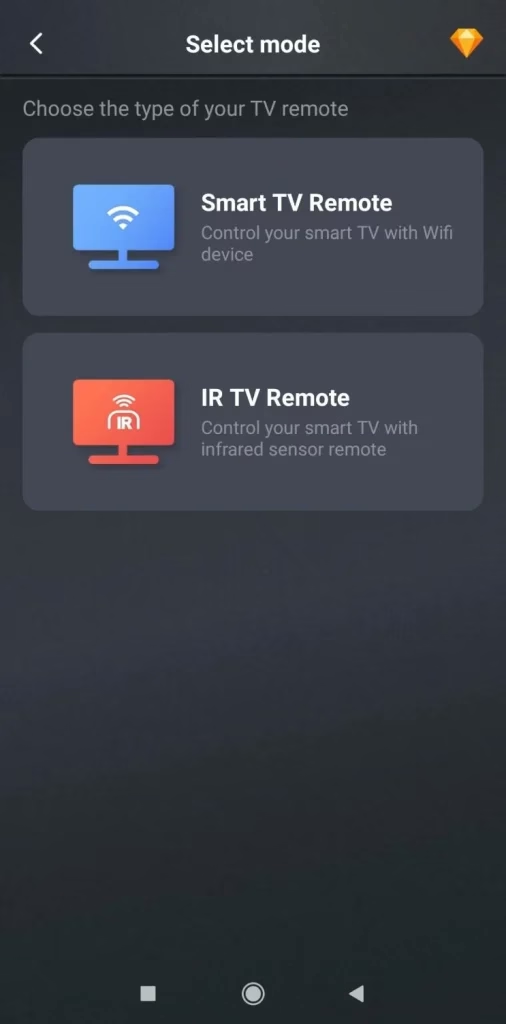


Step 1. Launch the app on your mobile device.
Step 2. Connect the app to your Dynex TV through on-screen instructions.
Step 3. Once connected, you can control your TV from the mobile device.
Final Thoughts
Using a universal remote with your Dynex TV is simple with the right code and setup method. Whether you own a GE, RCA, One For All, Magnavox, Dish, or Onn remote, this guide helps you program it in minutes. If you found this helpful, share it with others and keep it handy for future reference!
Dynex TV Remote Codes FAQ
Q: How do you program a remote to a Dynex TV?
Direct Code Entry:
Setup button on your universal remote until the indicator light turns on. - Enter the correct code for your remote brand from the list above.
Power button. - If the TV turns off, the setup is complete. If not, try another code.
Auto Code Search:
Setup button until the indicator light turns on. - Press and release the
TV button. - Press the
Power button repeatedly until the TV turns off. - Once the TV turns off, press the
Enter or OK button to save the code.
Q: Can you use a universal remote on a Dynex TV?
Yes, you can use a universal remote on a Dynex TV. Simply find the correct remote code for your TV brand and follow the programming instructions.
Q: How to control Dynex TV without remote?
You can control your Dynex TV without a remote by using the buttons on the TV itself or by downloading a universal remote app on your smartphone (if it has an IR blaster).
Q: How do I choose the right code length for Dynex TV remote codes?
Start with the code format recommended by your remote brand manual. If no format is specified, test shorter codes first, then move to longer code sets while keeping the TV powered on for instant feedback.
Q: Can I use Dynex TV remote codes without the original TV remote?
Yes. Most universal remotes and virtual remote apps can pair directly with your TV using manual code entry or auto-search mode, even if the original remote is unavailable.
Q: What should I do if the remote accepts a code but only some buttons work?
That usually means the code is partially compatible. Test nearby codes from the same brand list or run auto-search again until Power, Volume, Input, and Menu all respond correctly.
Q: How do I reset a universal remote before reprogramming?
Most remotes can be reset by holding the setup key with a numeric reset sequence until the LED flashes. After reset, re-enter TV mode and program from the beginning.
Q: Why does my TV not respond after entering several valid codes?
Check batteries, device mode, IR path, and TV input state first. If those are correct, switch to another code group or use the no-code auto-search workflow.

 May 12, 2026