
Is your GE Roku remote not working suddenly? You're not alone—many users experience issues where the remote becomes unresponsive, stops pairing, or doesn't seem to control the TV. Don't worry! In this guide, we'll walk you through the most common causes behind a malfunctioning GE Roku remote and show you exactly how to fix it, so you can get back to your favorite shows in no time.
Will GE Universal Remote Work with Roku
Yes, a GE universal remote can work with Roku, but you'll need to program it to Roku correctly. This means entering the right device code during setup to ensure everything connects properly. To pair the remote, first, press and hold the Setup button until the red light stays on.
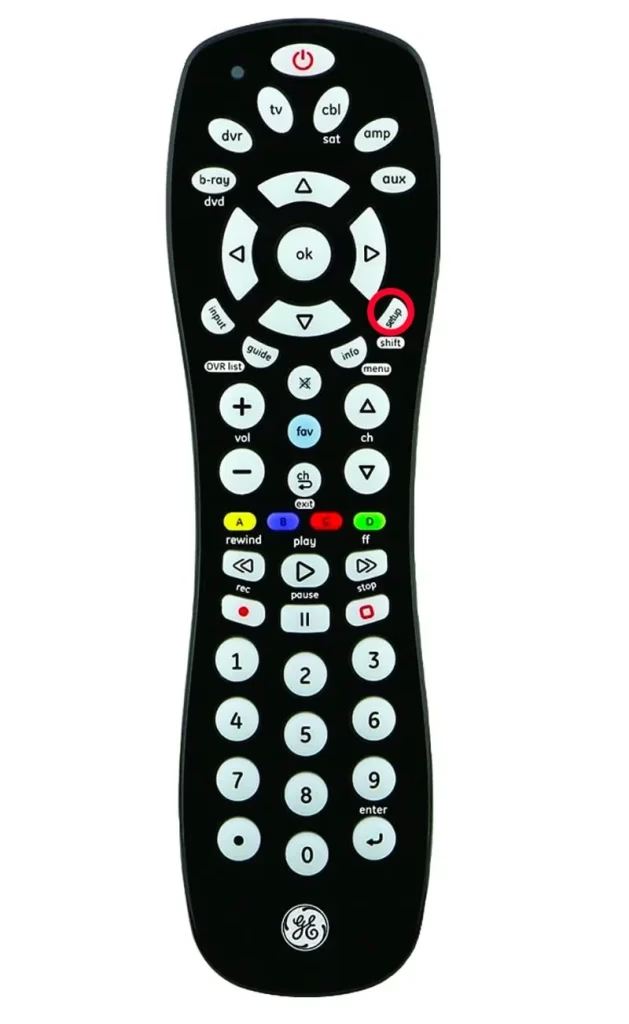
Then, enter the Roku code from the manual. If the remote doesn't work, try different codes until you find one that functions correctly. While a GE universal remote can control basic Roku functions, it may not support advanced features like voice commands.
Bonus: If you have never used any remote control apps, it's time to download one and have a try now. There's a free universal TV remote app from BoostVision, and you can simply use it after finishing the simple pairing procedure.
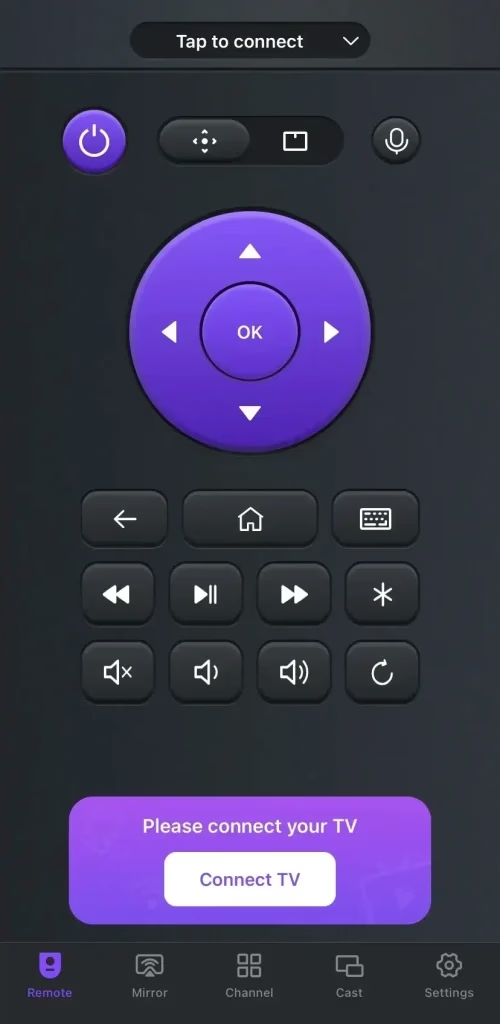
Download Universal TV Remote
Common Reasons Behind GE Roku TV Replacement Remote Not Working
Several issues can prevent a GE Roku replacement remote from functioning properly. By Identifying these potential issues, you can save time and get your remote back in action quickly, ensuring a smoother streaming experience.
Battery IssuesPairing ProblemsSignal InterferenceObstructed Line of SightFaulty Remote or ReceiverOutdated Roku SoftwareRemote Button Malfunction
GE Replacement Roku Remote Not Working - 7 Fixes
If your GE Roku remote isn't responding, don't stress—there are 7 ways to fix it. With a few easy troubleshooting steps, you can identify the issue and get things working again. Just work through each solution, and you'll be back to enjoying your shows in no time.
Check and Replace Batteries
Batteries are a key factor in your remote's performance. If the batteries are weak, old, or not properly inserted, the remote may fail to work altogether. Even slightly misaligned or improperly placed batteries can disrupt the connection and prevent the remote from responding.
Step 1. Take off the battery cover from the back of the remote, remove the old batteries, and check them for any signs of corrosion.
Step 2. Insert new batteries, making sure they're placed the right way, then put the cover back on and test the remote to see if it works.
Remove Signal Interference
External factors such as obstructions or interference can weaken or block the remote signal, preventing it from functioning properly. Objects such as furniture, electronics, or walls can disrupt the connection between your remote and the Roku device.
Make sure no large objects are blocking the line of sight between the remote and the Roku device. Plus, move other electronic devices away to avoid interference, and try using the remote closer to the Roku streaming device.
Clean the Remote Buttons
Over time, dust and debris can build up under the remote's buttons, leading to them becoming sticky or unresponsive. This can interfere with the remote's performance and make it harder to control your Roku device.
Step 1. Turn off the remote and remove the batteries.
Step 2. Use a cotton swab dipped in rubbing alcohol to clean around the buttons.
Step 3. Press each button multiple times to dislodge any dirt, and let the remote dry completely before reinserting the batteries.
Reprogram the Remote
If the GE remote isn't paired correctly with your Roku device, it won't be able to send commands or control the system. Reprogramming or re-pairing the remote can usually resolve this problem by restoring the communication between the remote and the Roku device, allowing you to get back to streaming without any hassle.
TV Brand | Remote Model | Codes |
|---|---|---|
| Hisense Roku TV | CL6 | 6251, 6171 |
| CL5 | 6251 | |
| Insignia Roku TV | CL5 | 6171, 6381 |
| CL6 | 6381, 6171 | |
| JVC Roku TV | 6171 | |
| ONN Roku TV | 6171 | |
| RCA Roku TV | 6171 | |
| Roku TV | 5931, 6001, 6171 | |
| CL4/CL5 | 6171, 6001 | |
| CL6 | 6171, 6251, 6001, 6381 | |
| Sharp Roku TV | 6171, 6251, 6001 | |
| TCL Roku TV | 6171 |
Step 1. Hold the Setup button until the red light stays on, then enter the correct Roku device code from the user manual.
Step 2. Test the remote by pressing the power and volume buttons. If it doesn't work, repeat the process with a different code.
Power Cycle the Roku
A frozen Roku device can become unresponsive to remote commands, leaving you unable to control your streaming. In many cases, restarting the Roku can resolve this issue and restore functionality. Here's how to do it:
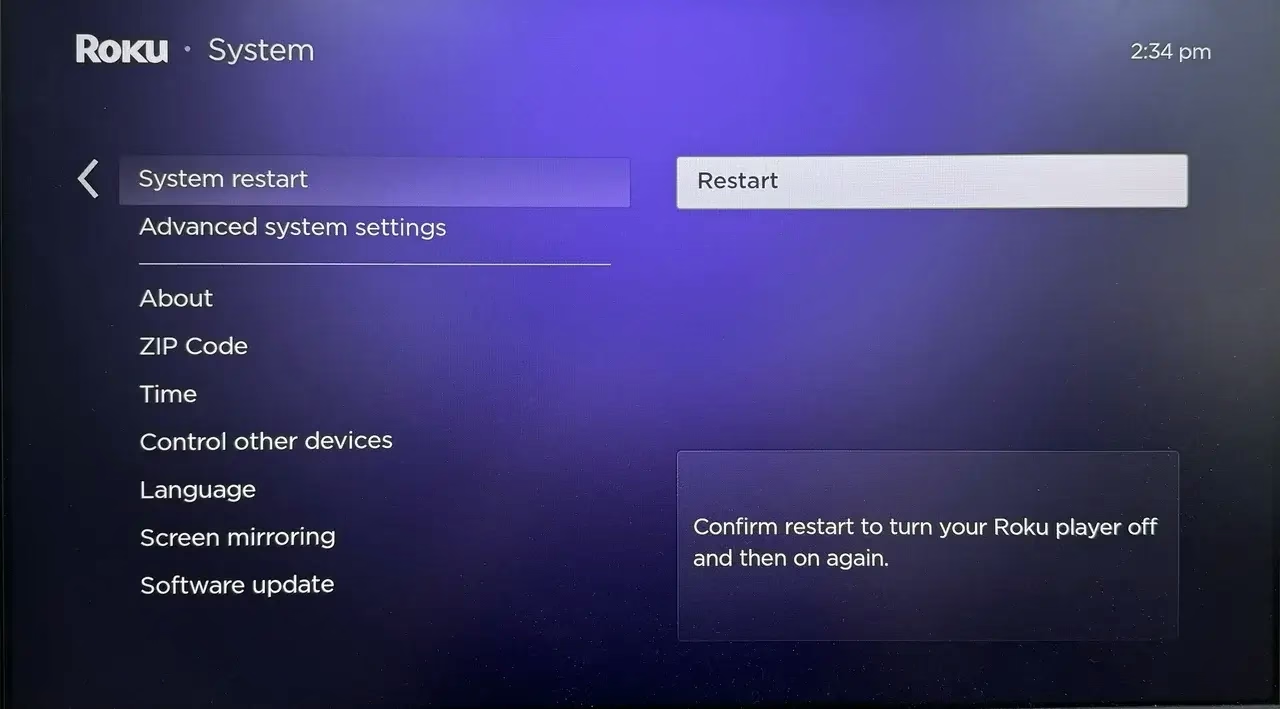
Unplug your Roku device from the power source, and wait for at least 10 seconds before plugging it back in. Allow the device to reboot fully, which may take a minute or so. Once it's back on, test the remote to see if it responds properly. Plus, navigate to Settings > System > Power > System restart > Restart.
Update Roku Software
An outdated Roku system can sometimes lead to remote-related problems, as software glitches or bugs may interfere with functionality. Follow the detailed procedure to update your Roku system:
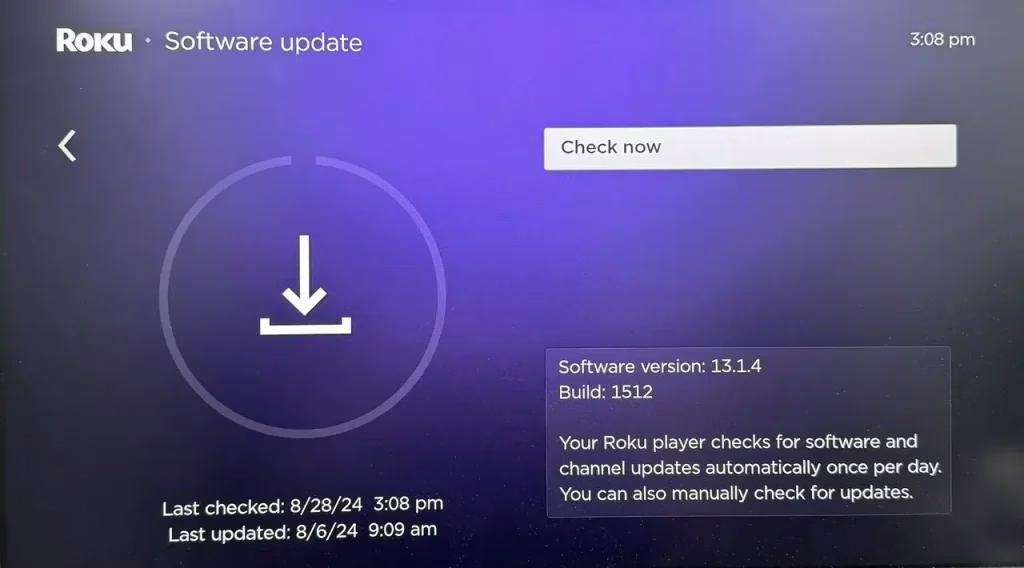
Step 1. Navigate to Settings > System > System Update, then select the Check Now option and install any available updates.
Step 2. After the update is complete, restart your Roku device and test the GE remote to check if it's working properly.
Replace the Remote
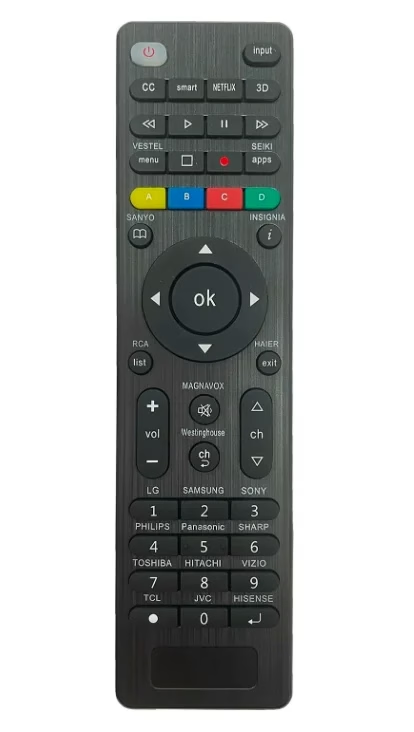
If none of the above steps solve the issue, your remote might be faulty and require a replacement. To confirm, test the remote with another Roku device to see if it works there. Alternatively, you can use a universal remote app as a temporary remote, or purchase another universal TV remote.
Closing Words
If your GE Roku replacement remote not working, you can replace batteries, reprogram the remote, eliminate interference, reset the Roku device, clean the buttons, update software, and replace the remote if necessary—you can restore its functionality. If you have never used any remote control apps, it's time to download one and have a try now.
GE Roku Remote Not Working FAQ
Q: How do I get my GE Roku remote to work?
Start by checking the batteries and replacing them if needed. If the issue persists, reprogram the remote using the correct Roku code. Remove any obstacles that might block the signal, reset the Roku device, clean the remote buttons, and update the Roku. If all else fails, consider replacing the remote with a remote app.
Q: What is the code for the GE universal remote for Roku?
To program a GE universal remote to control your Roku, you will need the correct device code. For Roku, the GE universal remote typically uses one of the following codes: 11756, 12434, 13747, and 11864.